RESOURCE GURU x MONDAY.COM INTEGRATION
Transform monday.com tasks into a productive team schedule
Integrate monday.com with Resource Guru to assign tasks based on your team’s actual availability and real-time capacity.
Try Resource Guru for FreeAbout the Resource Guru x monday.com integration
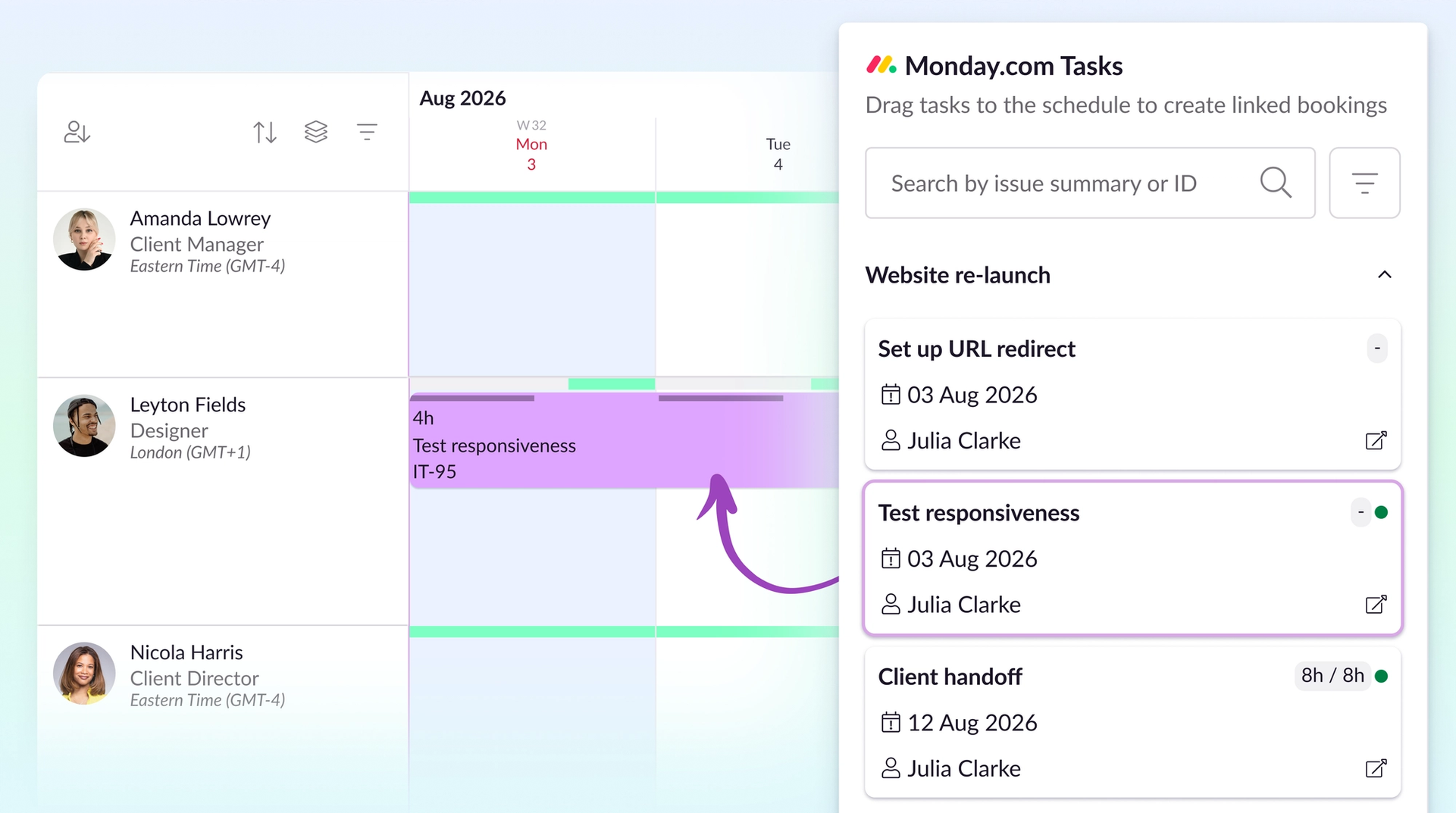
This out-of-the-box integration pulls tasks from monday.com—a powerful planning tool, but one that’s not purpose-built for scheduling.
Once imported, tasks appear in a list inside our resource scheduling software.
Use it to assign work to your team while taking their availability into account—and get projects over the line on time.
Workflows that work better together
“Fantastic resource management tool with an increasing array of useful integrations.”
- Daniel C., G2
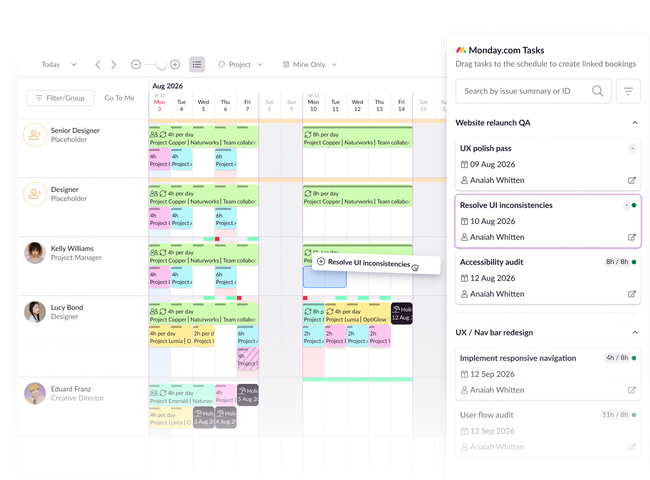
Get set up quickly and schedule with context
See everyone’s accurate availability with a schedule that gives you a bird’s eye view across people and projects.
It’s ready for you to tailor your team’s working hours and bookings out of the box — no need to wrangle complex columns and widget settings.
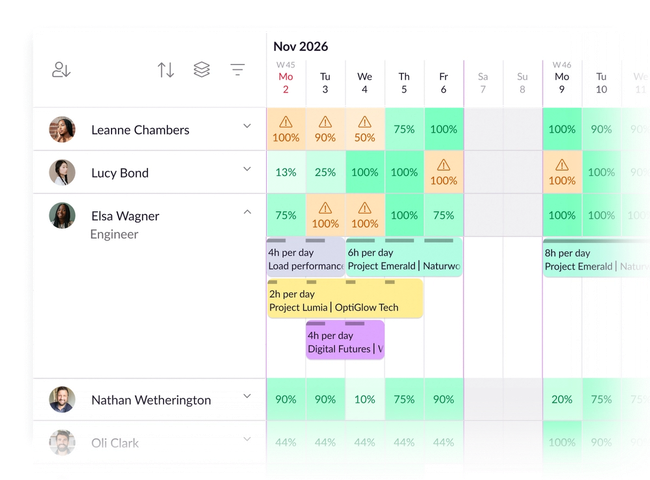
Prevent clashes and pressure points
Scan for capacity hot spots with heatmap views, and manage clashes before they manifest with a dedicated detection engine.
That way, you can keep projects from monday.com on track, and teams productive, all the way to the deadline.
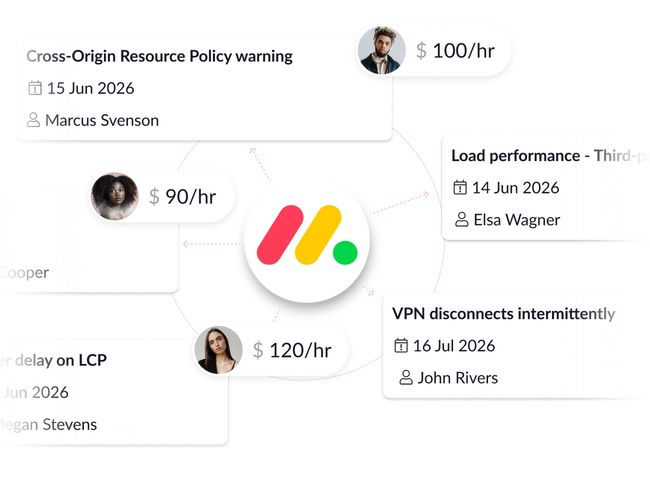
Track spend across tasks
Assign hourly rates to calculate the cost of monday.com tasks over time.
Then, compare estimated vs. actual spend via dynamic reports to inform future projects and keep them on budget.
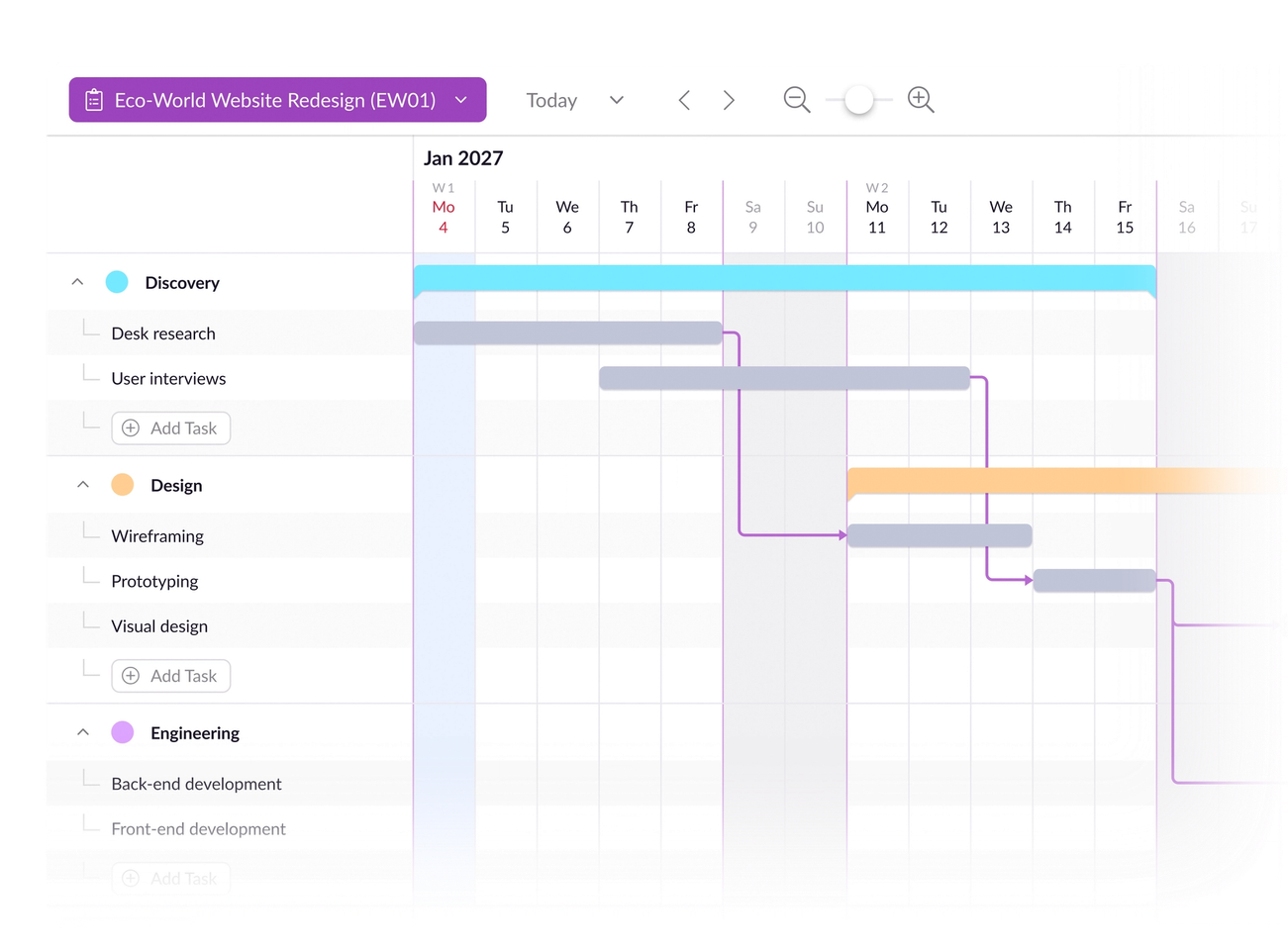
Plan and schedule in one place
Use out-of-the-box Gantt charts to scope out your team’s workload visually.
Then, move straight to the schedule where you can make bookings against tasks and create realistic project roadmaps.
Integrate monday.com in four simple steps
1. Set up
From your Resource Guru settings, pick monday.com from our integrations catalog. Then, install Resource Guru on monday.com, or confirm you already have
2. Authenticate
Accept the permissions, sign into monday.com, and hit Authorize
3. Configure and sync
Choose the boards you want to sync with Resource Guru via the monday.com integration
4. Import
Once the sync’s set up, a list of Monday.com tasks will import to Resource Guru, and you can start scheduling
Get detailed instructions in our Help Center.
Move from scope to schedule, seamlessly
No credit card needed. Integrations available on all Resource Guru plans.
More about Resource Guru integrations





© Resource Guru 2026. All rights reserved.