RESOURCE GURU MCP SERVER
Ask AI about your project and resourcing needs
Connect Resource Guru with your AI assistant to analyze account data and get helpful insights.
Try Resource Guru for FreeAsk AI anything to better understand your data—without the manual analysis.
Connect your preferred assistant in a few steps, start exploring project details, find bottlenecks, and improve overall productivity.
Our MCP server is read-only, so the options are endless, but your data stays secure.
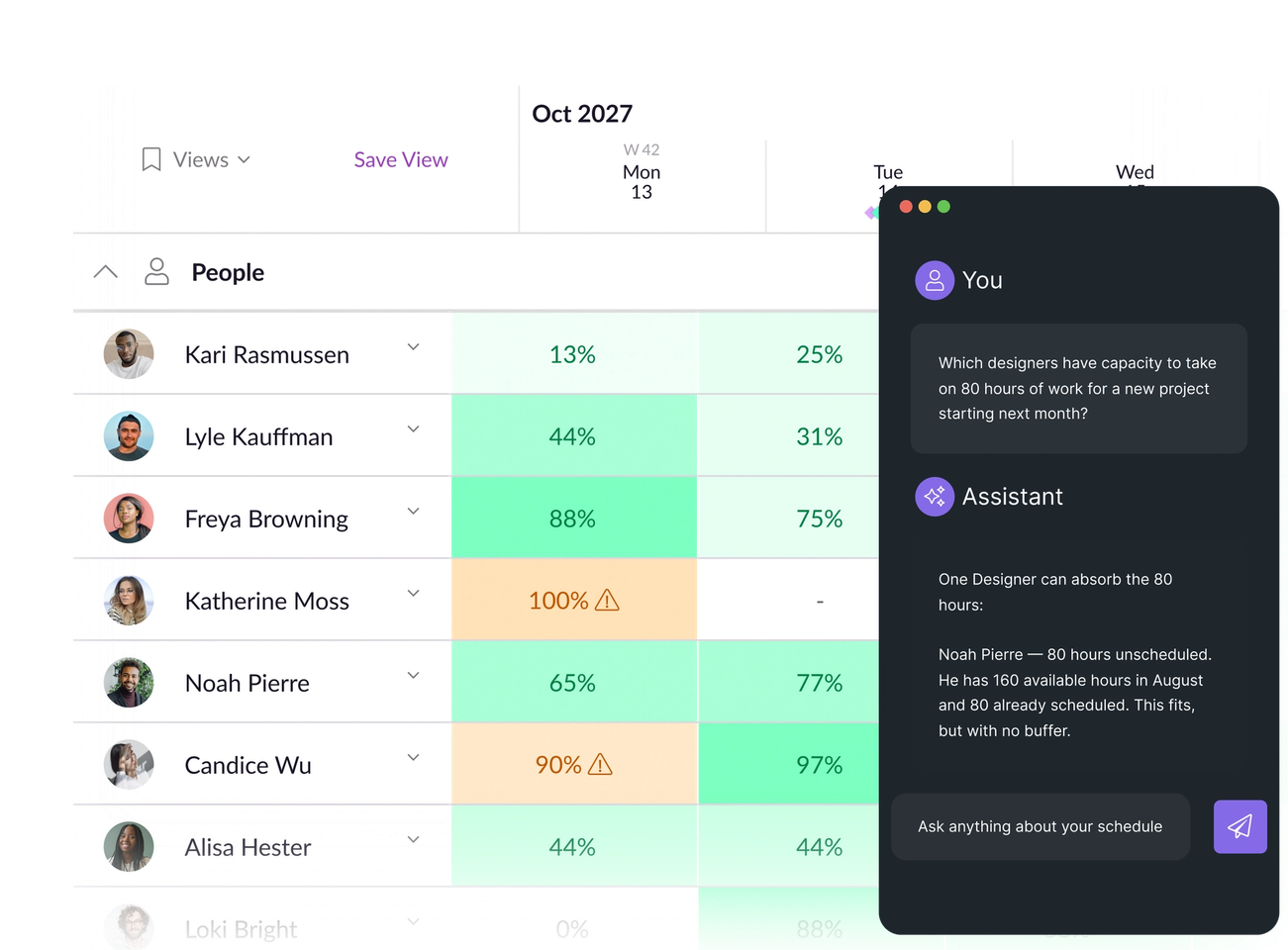
Sort through the whole schedule at lightning speed
It’s already easy to scan the schedule, but now you can use AI to digest it all at once.
Curious about availability over the next quarter? Need a specific skillset for a certain task? Want to spot clashes extra early? Just ask AI.
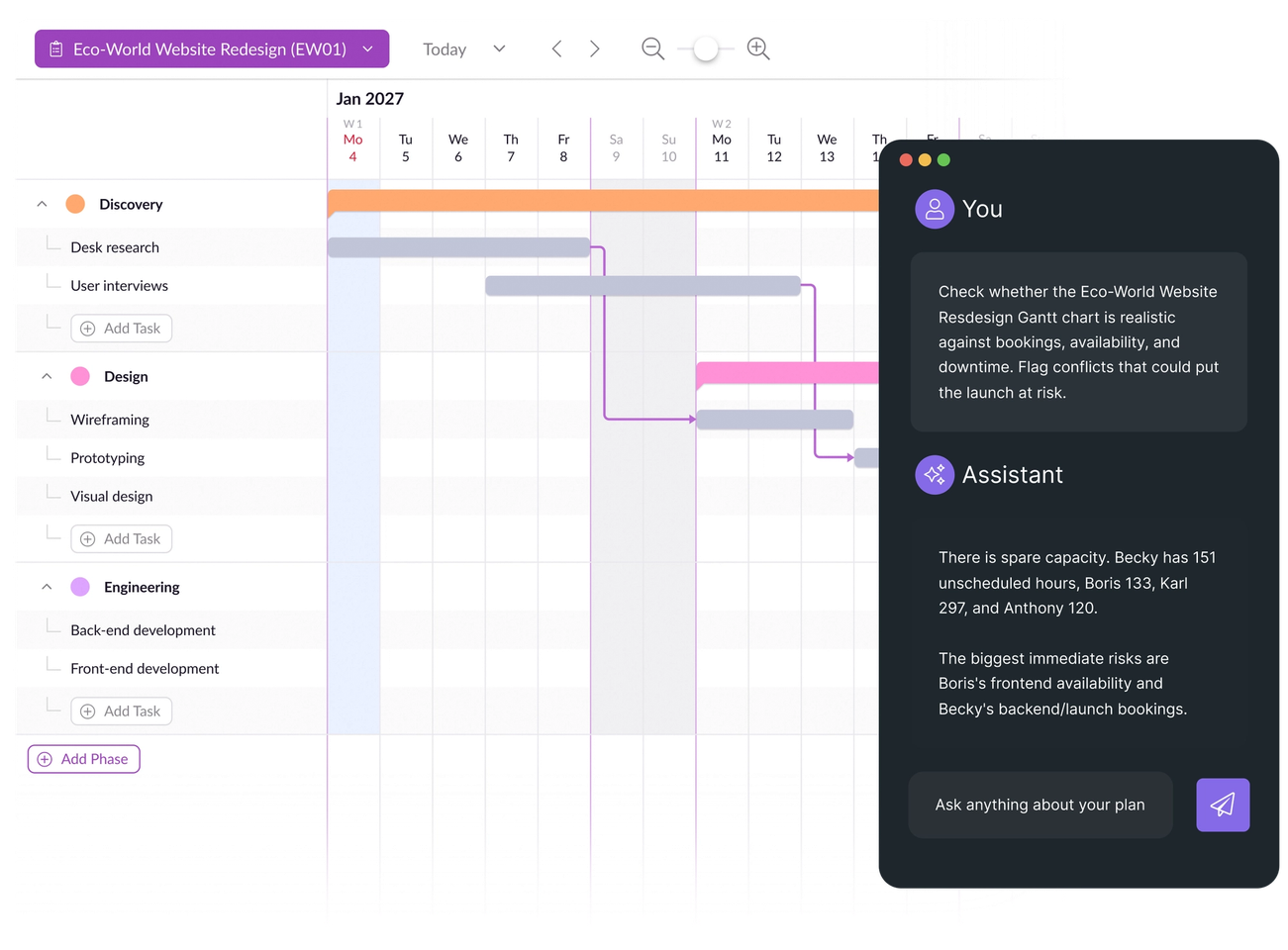
Sense-check project plans at scale
Query Gantt charts data to understand how solid your upcoming plans are.
Ask for advice about planning complex project portfolios, or check which tasks need to be scheduled.
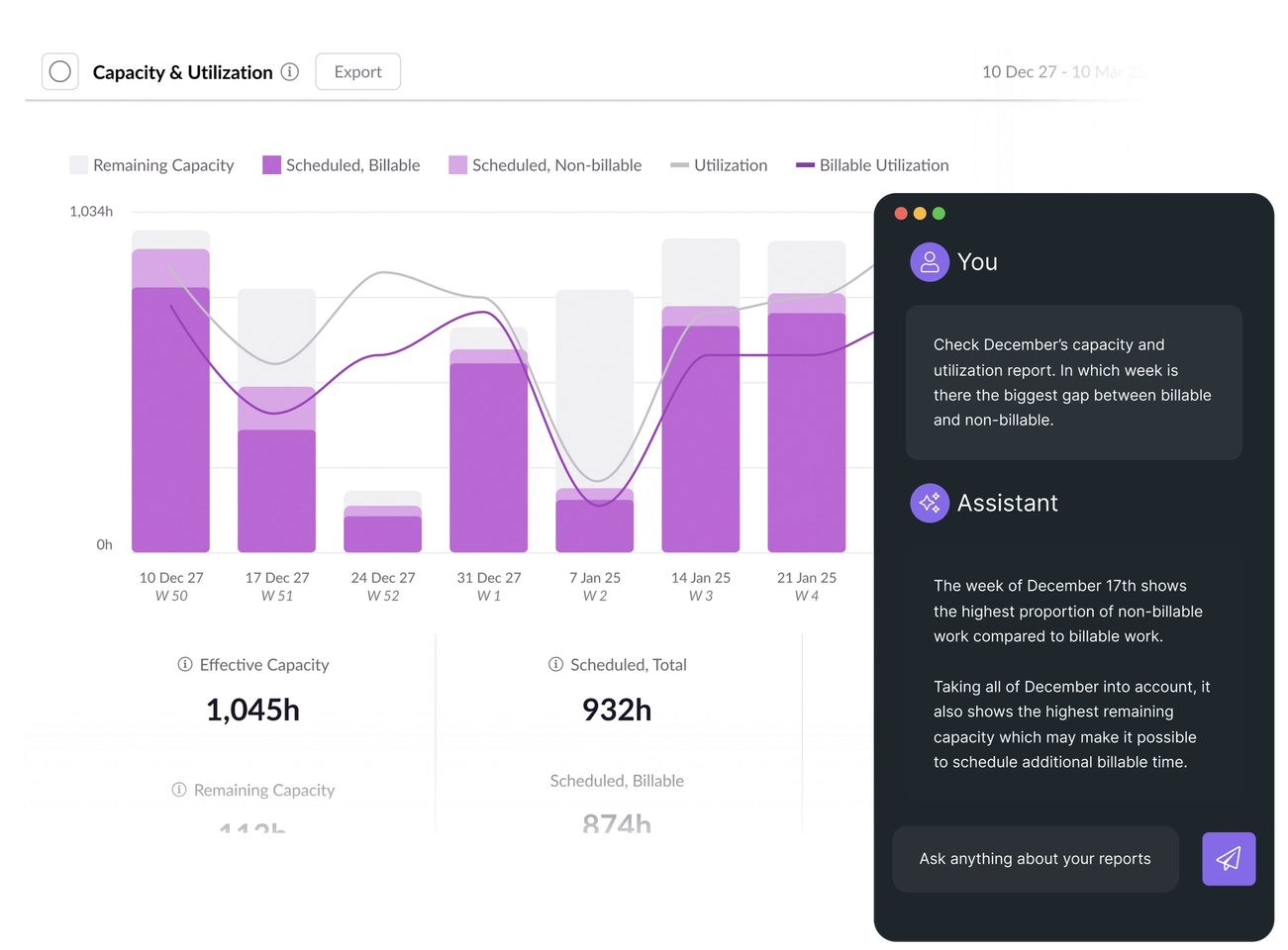
Get insights from your data—no digging needed
Go beyond out-of-the-box reports and charts. Create your own, just by using a prompt.
Ask your AI assistant to analyze custom data points, and visualize any dataset to your exact specs.
How to get started with the Resource Guru MCP server
1. Configure the server
Follow the steps in our Help Center to link Resource Guru with your AI assistant. Or, point your AI assistant at our Help Center docs.
2. Ask anything about your account
Start asking your preferred LLM or agent for the answers you need. Get tips on optimizing your prompts in our MCP docs.
3. Action the answers.
Use the insight you gain to adjust relevant bookings and plans, and to optimize future projects.
Customize your workflows with our integrations & API
Head to our integrations catalog to find native connections to tools you already rely on, or connect to virtually any solution using our API.
Helping teams worldwide keep work on track
Find the answers that move projects forward
No credit card needed.





© Resource Guru 2026. All rights reserved.