
Product updates
Make all your workflows more effective and master your team’s time with the latest releases from Resource Guru.
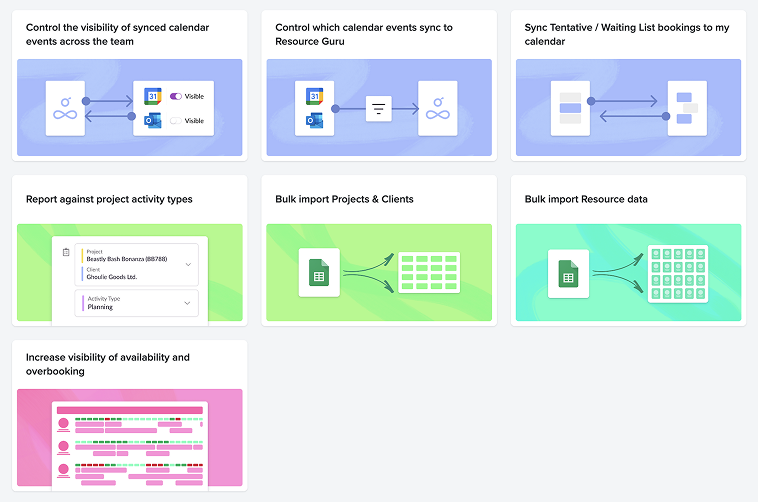
What’s next for Resource Guru?
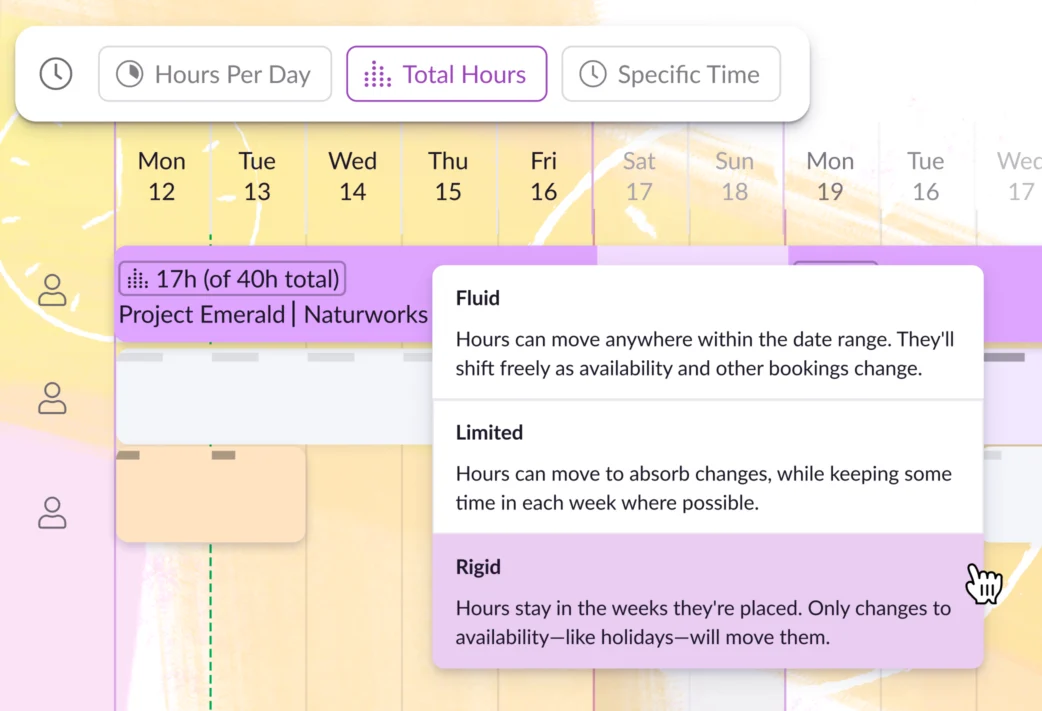
Jul 2026

Connect Resource Guru to AI tools: Introducing our MCP server
Ask your favorite AI tools about your Resource Guru account data and get immediate insights—just by prompting in plain English.
Get a daily summary of placeholder bookings
Opt into a daily digest that outlines any bookings associated with placeholders you manage. That way, you easily can keep track of work that still needs to be assigned to members of your team.
Read Help Center Article
Customize the Projects view
Choose and reorder columns, including custom fields, so your Projects view shows what matters to you.
Read Help Center Article
Color-code bookings by custom field
Set a color for each value of a custom field, then re-color the Schedule’s bookings by them. Use this setup to get a clear view of anything from bookings by priority to bookings by time zone, and beyond.
Read Help Center Article
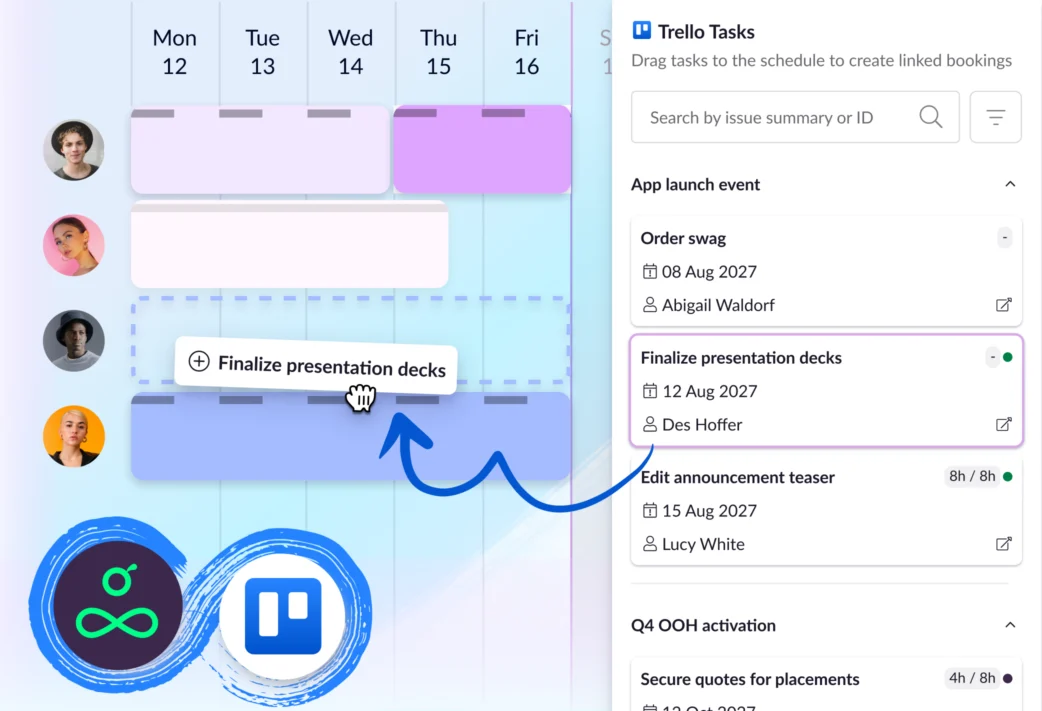
New integration: Trello x Resource Guru
Turn Trello cards into Resource Guru bookings so you can build team schedules that reflect who’s really available.
Jun 2026
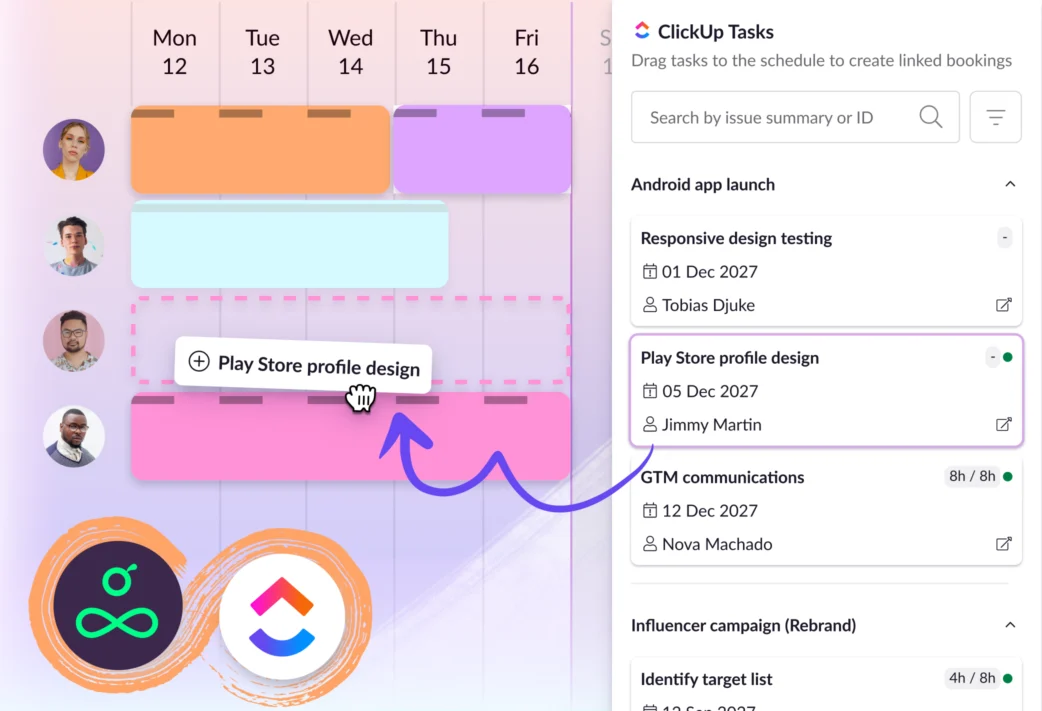
New integration: ClickUp x Resource Guru
Connect ClickUp to Resource Guru for a clearer way to schedule tasks around real availability and capacity.
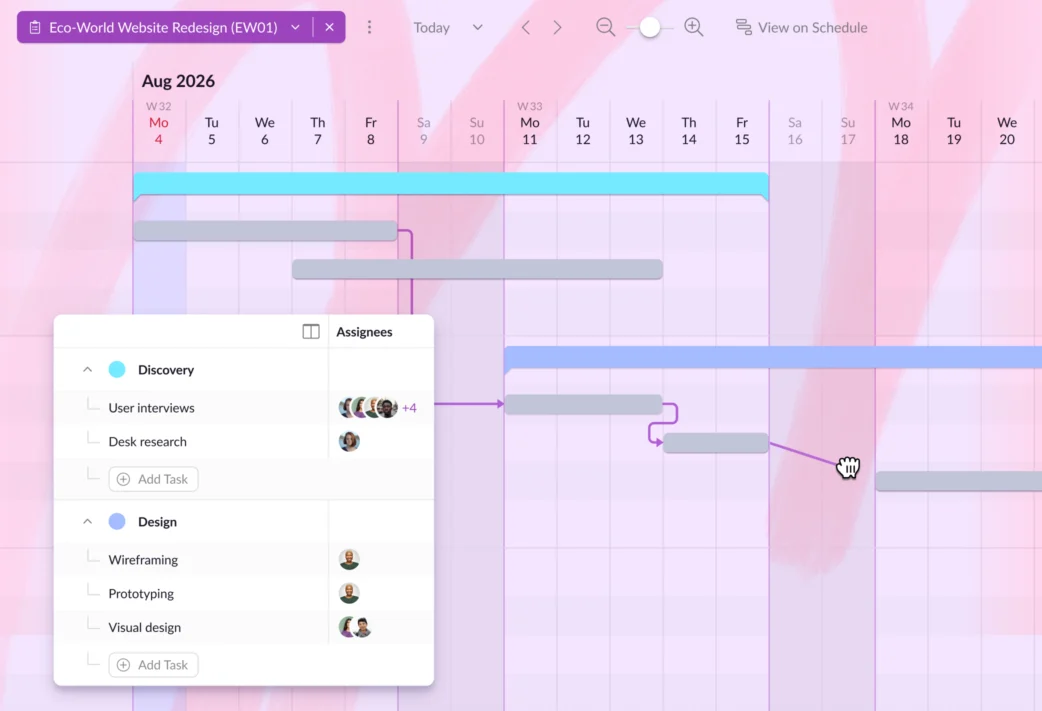
Share Gantt charts externally
Generate a read-only link to any project's Gantt chart. This link can be shared with anyone, including clients and external stakeholders who don't have a Resource Guru account.
Read Help Center Article
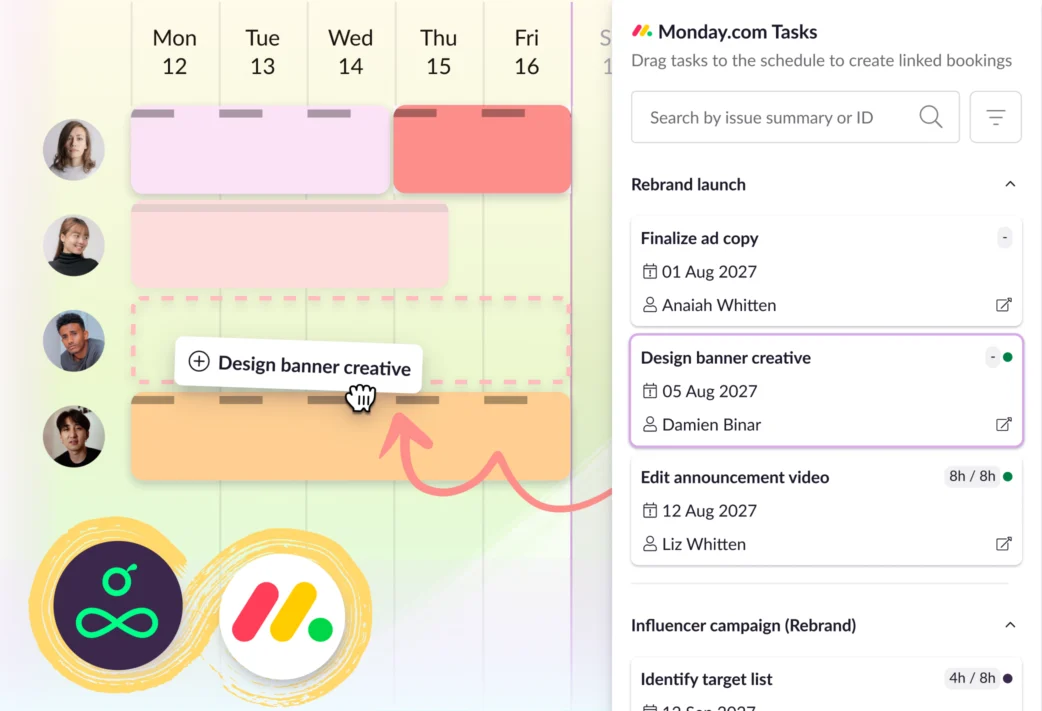
New integration: monday.com x Resource Guru
Explore how our new one-way sync with monday.com turns your team’s task list into achievable, sensibly scheduled workloads.
May 2026
Search and pin saved views
Find the exact Schedule view you need, without scrolling. Type a view name into the new search bar to jump straight there, and pin favorites to keep them at the top of the list for next time.
Read Help Center Article
Additional Gantt chart zoom levels
Zoom out on Gantt charts to get a quarterly view of all phases, tasks, and dependencies across your project plans. This enhanced visibility makes it easier to plan for the future and make swift adjustments across long-term initiatives.
Read Help Center Article