

Monday.com is built for planning. Think mapping out projects, tracking progress, and keeping teams aligned on upcoming initiatives. And, much like Resource Guru, it’s widely used across different industries and business types—from agencies to consultants to IT.
But, when it comes to turning plans into actual, scheduled work, monday.com hits limits. It’s not designed to give you a clear picture of team capacity or to manage detailed allocation.
That’s where Resource Guru comes in.
Together, they create a smoother path from planning the work to getting it done.
We’re excited to introduce our new, ready-to-go integration with monday.com—here’s what it brings to the table.
In this article 📖
TL;DR
Plan your work in monday.com, then schedule it in Resource Guru with full visibility of availability and capacity—no cross-referencing needed.
How the monday.com x Resource Guru integration works
Connecting the two tools is super straightforward and all handled in a matter of clicks. Just accept the necessary permissions, select one or more monday.com boards you want to connect to, and authenticate.
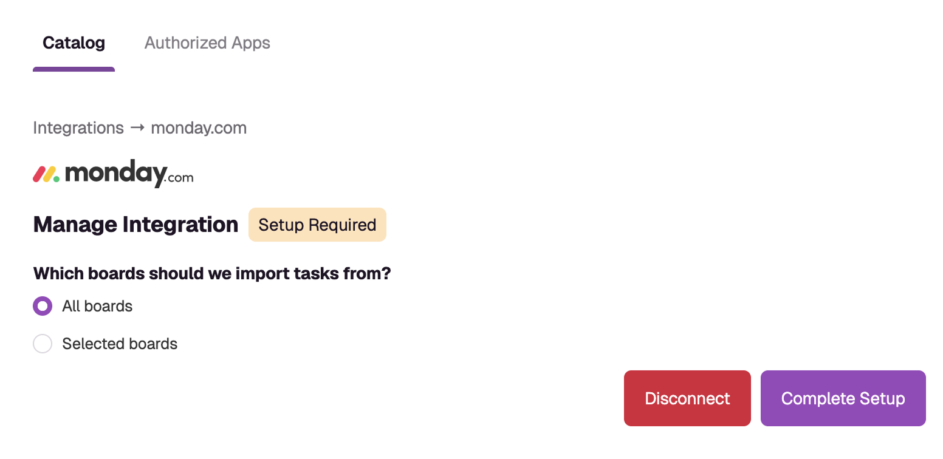
→ Get detailed set up instructions in our Help Center
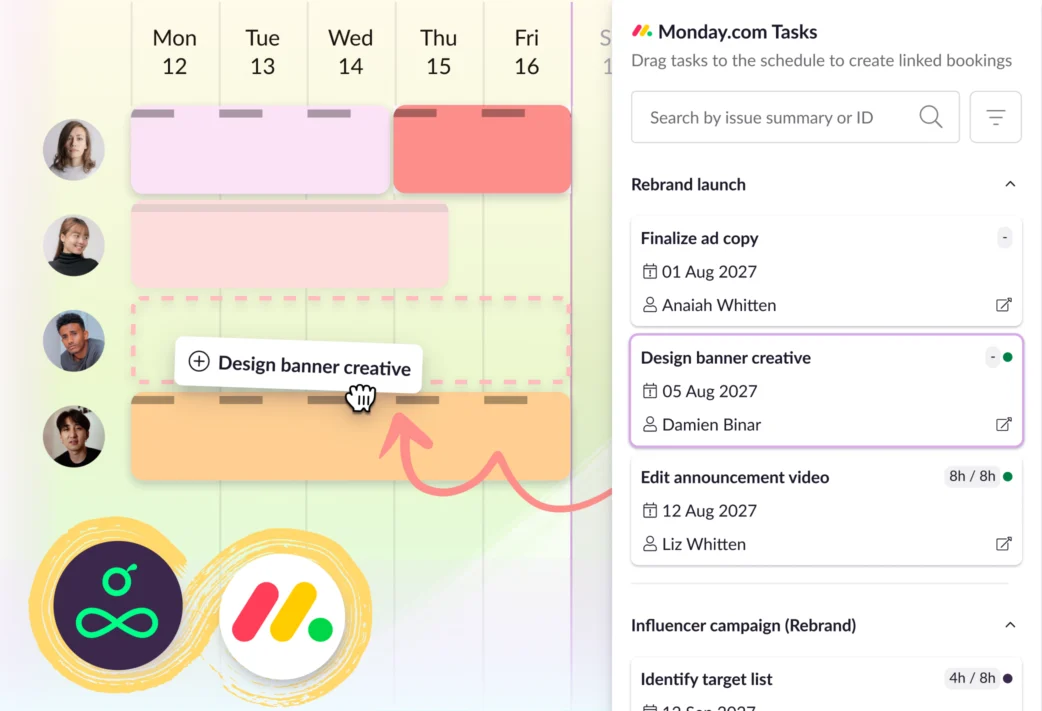
From there, everything flows automatically. Tasks created in monday.com are pulled into Resource Guru through a one-way sync.
Here’s how the setup works, in a nutshell:
- Work is created and updated in monday.com
- Tasks are automatically imported into Resource Guru
- They appear in a dedicated task list, organized and ready to go
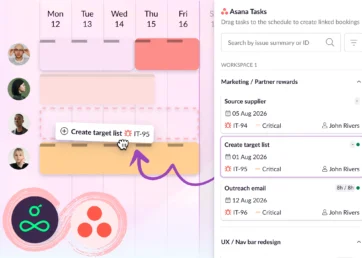
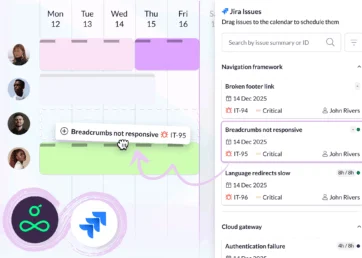
- You drag tasks onto the schedule to create bookings
This approach keeps things clean and predictable. monday.com can remain your planning space, while Resource Guru handles scheduling and allocation—no crossed wires, no conflicting updates.
Once tasks are in Resource Guru, assigning them is as simple as dragging, dropping, and choosing the right person based on their availability and skills.
Why teams connect monday.com and Resource Guru
Turn plans into actionable schedules
It’s one thing to outline tasks on a board. It’s quite another to map them to your team’s time, realistically.
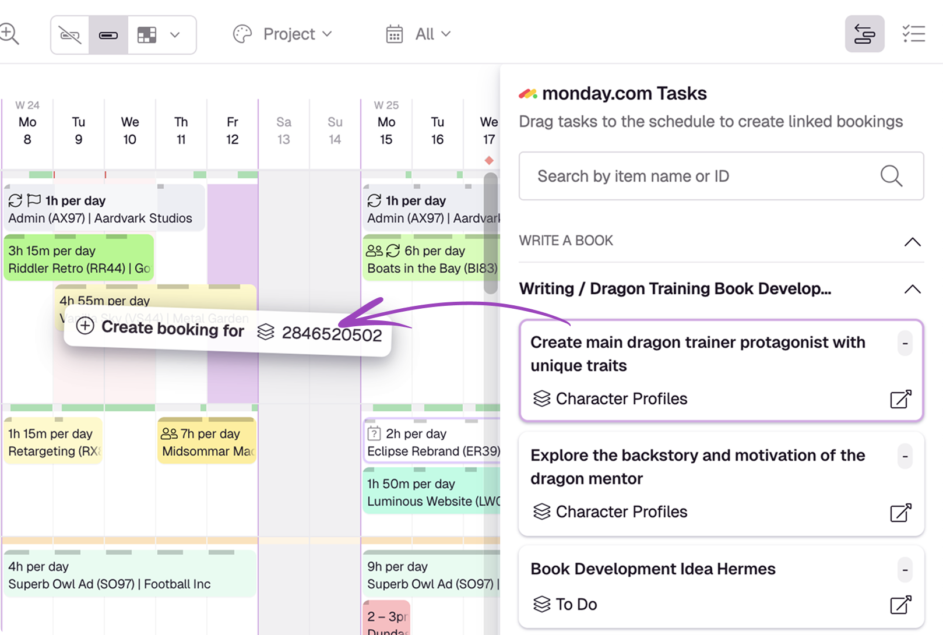
With this integration, tasks move straight from your plan into a scheduling-ready list.
That means:
- No manual copying between tools
- A clear backlog of work ready to be scheduled
- Faster handoff from planning to execution
Schedule based on real availability
monday.com shows you what needs doing, but not who has the time to do it.
Resource Guru adds that missing layer with:
- Customizable schedule views to find the best people and resources quickly
- Live capacity insights that flag who’s free
- A clash management engine that stops overbooking before it happens
This helps you assign work confidently, knowing your schedule reflects reality, not assumptions. The result is a schedule that’s balanced, achievable, and sets you up for successful project delivery.
Keep everything aligned without extra effort
The one-way sync is intentional and keeps your workflow simple.
monday.com continues to be a source of truth for tasks, while Resource Guru focuses on scheduling them. This separation avoids data conflicts and keeps both systems working exactly as they should.
In other words, your plans stay accurate, and your schedule stays realistic.
💡 Did you know?
You can also plan and schedule your projects directly in Resource Guru using Gantt charts.
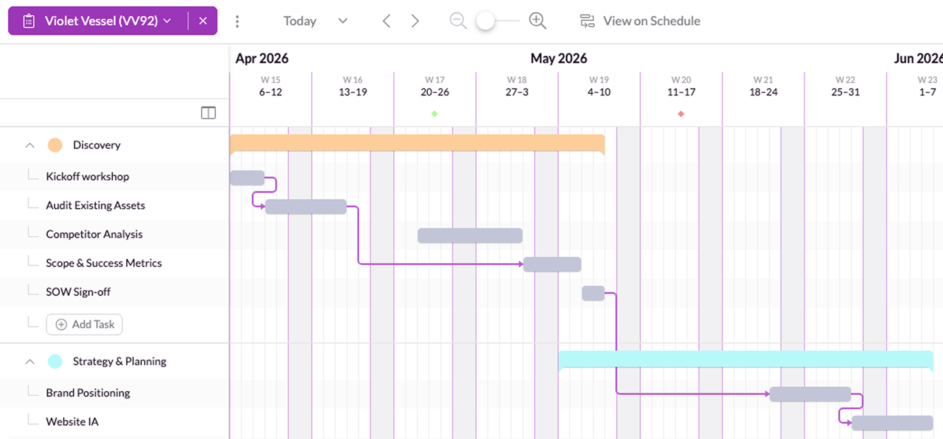
That means you’re not limited to using monday.com for planning—Resource Guru has evolved into a complete workflow solution, where you can:
- Map out project timelines visually
- Adjust plans as priorities shift
- Immediately translate those plans into scheduled bookings
Whether you prefer to plan in monday.com or keep everything in one place, you have the flexibility to choose the workflow that suits your team best.
Get started with the monday.com integration
All our integrations are available on all Resource Guru plans. If you’re an existing customer, just head to the Settings menu in your account to get up and running. If you’re new to Resource Guru, you can explore any of our integrations via a free trial:

Plan with Gantt charts. Deliver with smart scheduling.
Join thousands of managers using Resource Guru to plan projects and schedule people in one place.
See what’s next for Resource Guru
This integration is another step toward connecting the tools you already rely on, making it easier to move from ideas to execution without friction.
To stay in the loop with what’s next in the Resource Guru release pipeline, check out our product portal:
Explore our product portal to see what’s planned next and what we’ve already added. Vote on which features are most important to you and submit new ideas to have your say!What’s next for Resource Guru?