RESOURCE GURU x CLICKUP INTEGRATION
Schedule tasks from ClickUp in one smooth workflow
Integrate ClickUp with Resource Guru to streamline scheduling, understand availability, and reduce complexity.
Try Resource Guru for FreeAbout the Resource Guru x ClickUp integration
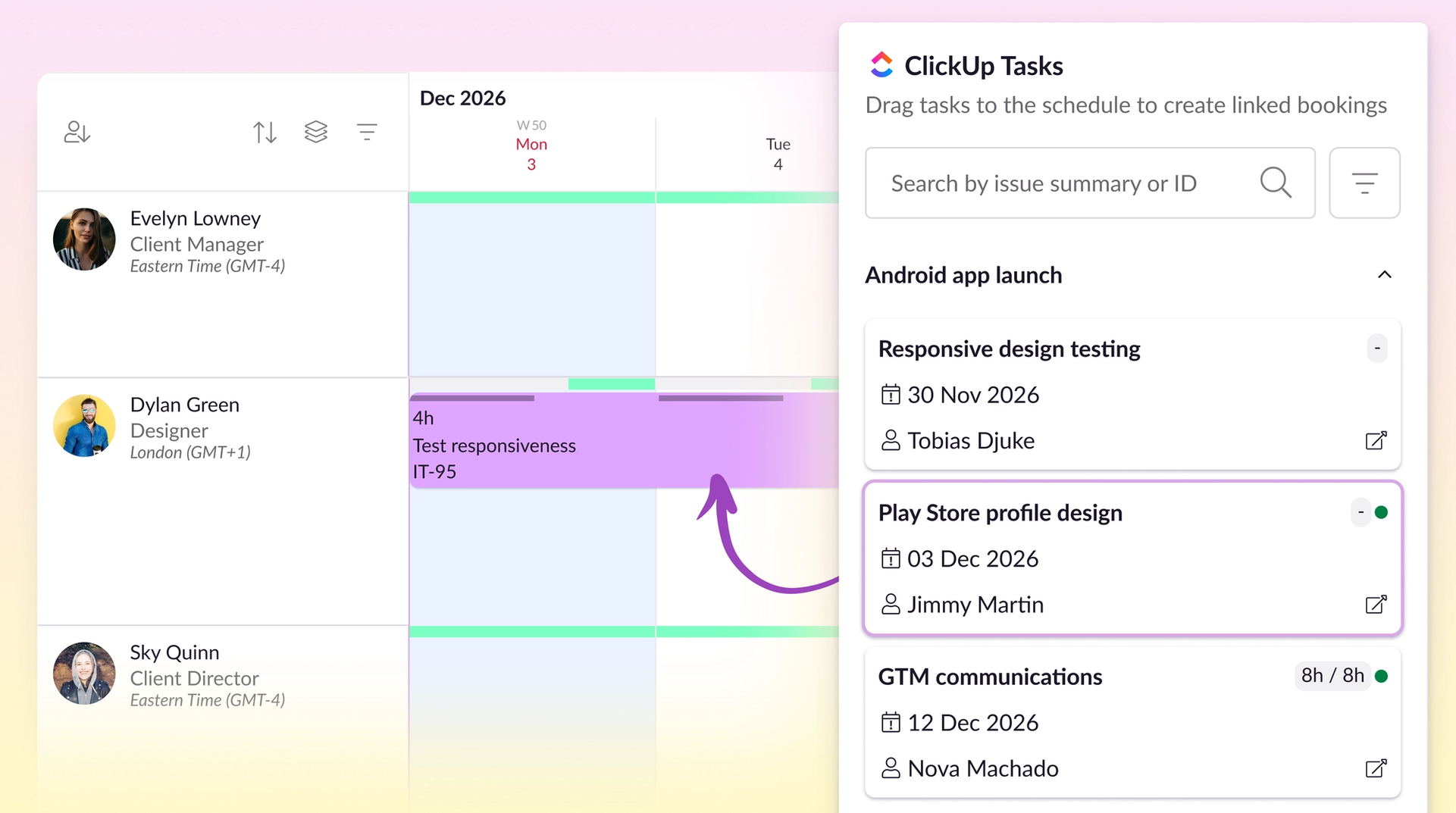
This out-of-the-box integration pulls tasks from ClickUp — a strong all-rounder for projects, but a little lacking in the scheduling department.
Once imported, tasks appear in a list inside our resource scheduling software.
From there, you can create bookings against each task to make sure the right person is working on them at the right time.
Workflows that work better together
“Fantastic resource management tool with an increasing array of useful integrations.”
- Daniel C., G2
Start scheduling smarter
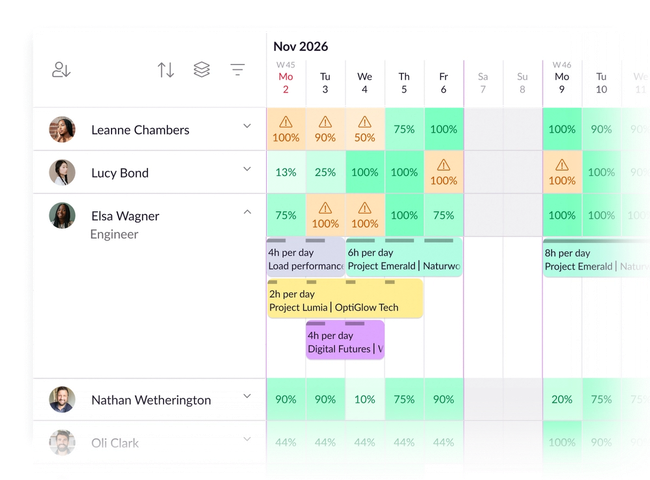
Use purpose-built scheduling software to assign work to the right person at the right time.
Get a bird’s eye view of up-to-date availability, and spot when people are under- or over-capacity in an instant.
Bring focus to your workflows
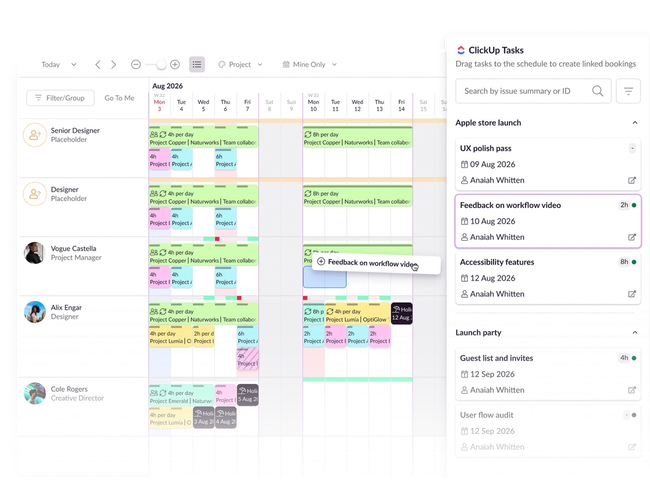
Skip scrolling through multiple dashboards and views, and get straight to scheduling.
All your ClickUp tasks appear in a dedicated list from which you can simply drag and drop to create bookings.
Plan and schedule in the same software
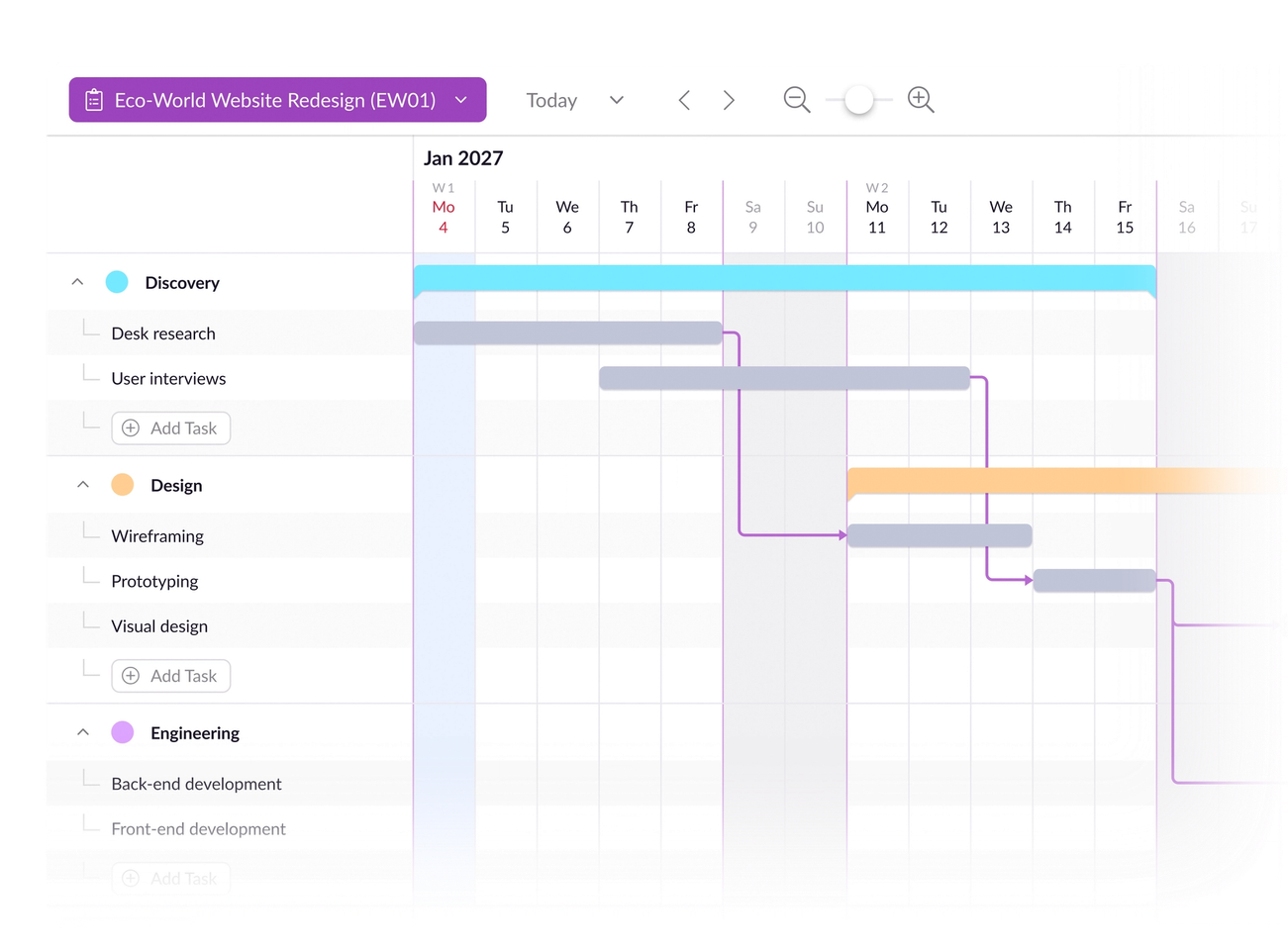
Consolidate the planning and scheduling phases of your projects using built-in Gantt charts.
Once you’ve built the plan, you’re just a click away from viewing it on the schedule and translating it into a realistic timeline.
Integrate ClickUp in four simple steps
1. Set up
From your Resource Guru settings, pick ClickUp from our integrations catalog
2. Authenticate
Check out the permissions notice, choose the Workspace you want to connect, and authenticate
3. Configure and sync
Choose the lists you want to sync with Resource Guru via the ClickUp integration
4. Import
Once the sync’s set up, a list of ClickUp tasks will import to Resource Guru, and you can start scheduling
Get started below, then link up with ClickUp
No credit card needed. Integrations available on all Resource Guru plans.
More about Resource Guru integrations




© Resource Guru 2026. All rights reserved.