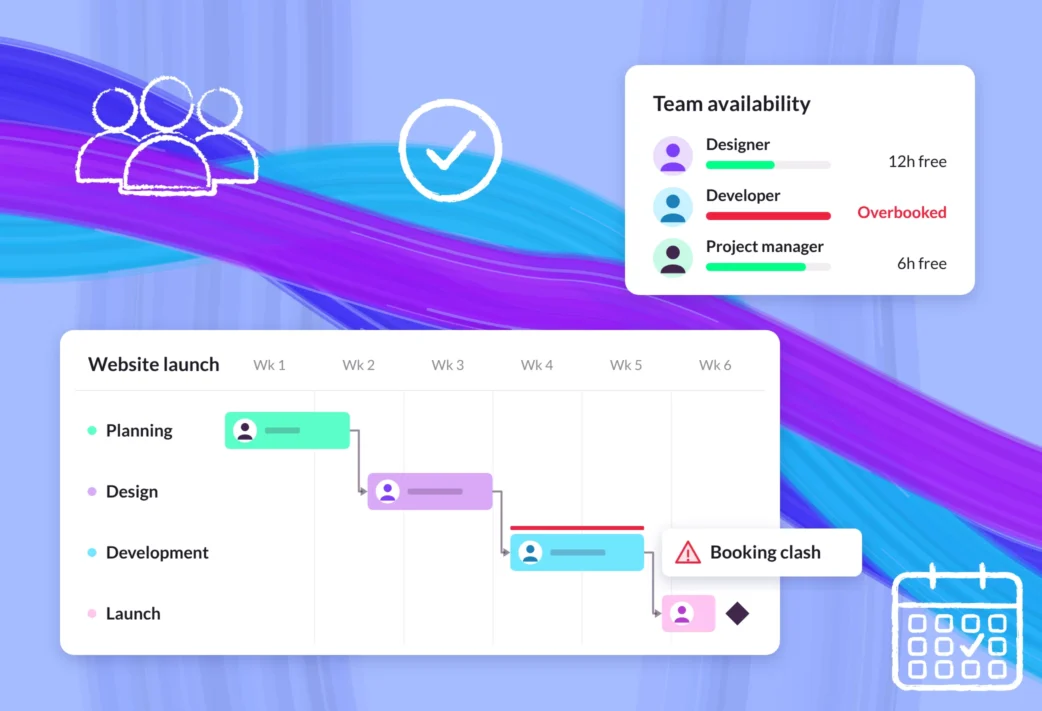
In Resource Guru’s State of (Over)working 2025 report, 33% of burned-out UK desk workers blamed unrealistic deadlines. Every deadline is only as realistic as the plan behind it, and a plan built without checking who’s free sets dates the team can’t meet.
We compared 12 project planning tools with agency and studio teams in mind. For each one, we checked how it builds a plan and whether that plan still works once you look at who’s free.
Resource Guru is featured in this list and is its publisher.
In this article 📖
Project planning software at a glance
Here’s the short version, with what each tool does best:
- Resource Guru: Best project planning software for checking plans against team availability
- Microsoft Planner and Project: Best project planning software for Microsoft 365 teams
- Smartsheet: Best project planning software for spreadsheet-style plans
- TeamGantt: Best project planning software for flat-price Gantt planning
- Wrike: Best project planning software for cross-team capacity planning
- monday.com: Best project planning software for boards that grow into timelines
- Asana: Best project planning software for task-led teams needing critical path
- ClickUp: Best project planning software for an all-in-one workspace
- Teamwork.com: Best project planning software for agency client work
- Scoro: Best project planning software for quote-to-invoice agency planning
- Zoho Projects: Best project planning software for low-cost baselines
- Basecamp: Best project planning software for lightweight flat-price planning
Project planning software compared
This table shows each tool’s best use, cheapest paid plan, and free trial terms side by side, so you can shortlist on budget before reading the reviews.
Pricing checked against vendor pages on November 16, 2026.
What to look for in project planning software
Good project planning software builds a plan with real dependencies and dates. Judge each tool on the criteria below, and check which plan tier unlocks each one.
- Gantt or timeline view: It shows each task as a bar on a calendar, so you can see the whole plan at once. Our roundup of Gantt chart software compares tools built just for this.
- Task dependencies: Linked tasks should move together when a date changes.
- Baselines and critical path: A baseline saves the promised plan; critical path shows which tasks set the end date.
- Reporting: Built-in reports save time, as 72% of project professionals spend half a day or more collating reports each month, according to Wellingtone’s State of Project Management Report 2026.
- Integrations: The plan should connect to your team’s existing apps, such as Slack or Jira.
- The availability test: If a plan fails the three questions below pair it with capacity planning software.
Scott Davis, founder of link building agency Outreacher.io, learned why that test matters the costly way: “We had a project go 8 business days past due, which resulted in a $2,000 service credit. The issue was that our Gantt chart had the task assigned, but it didn’t take into account the actual availability of the team members.”
Ask these questions of every plan your project planning software builds:
- Can the plan be built with dependencies and dates?
- Can it be checked against who’s actually free, counting vacation and other projects?
- When the check fails, can you reschedule people without rebuilding the plan?
Dorian Menard, founder of Perth SEO consultancy Search Scope, suggests a quick test for any trial: “When I look at planning software now, I’d put the same developer on two launches in the demo and see whether the overlap is visible before either date goes to the client.”
The best project planning software, reviewed
We judged 12 project planning tools on how well each builds a plan, which plan tier unlocks Gantt views, dependencies, baselines, and critical path, and whether each offers a workload or capacity view.
1. Resource Guru: Best for planning projects against real team availability
Reviewer ratings: 4.7/5 on Capterra (543+ reviews).
Resource Guru is a resource management and capacity planning tool built for agencies, consultancies, studios, and creative, digital, marketing, IT, engineering, and construction teams. With Resource Guru’s project planning software, teams map phases, tasks, and dependencies on a Gantt chart and schedule them against true team availability.
Integrations with Asana, Jira, monday.com, ClickUp, Wrike, LLMs and more let it schedule plans built in those tools.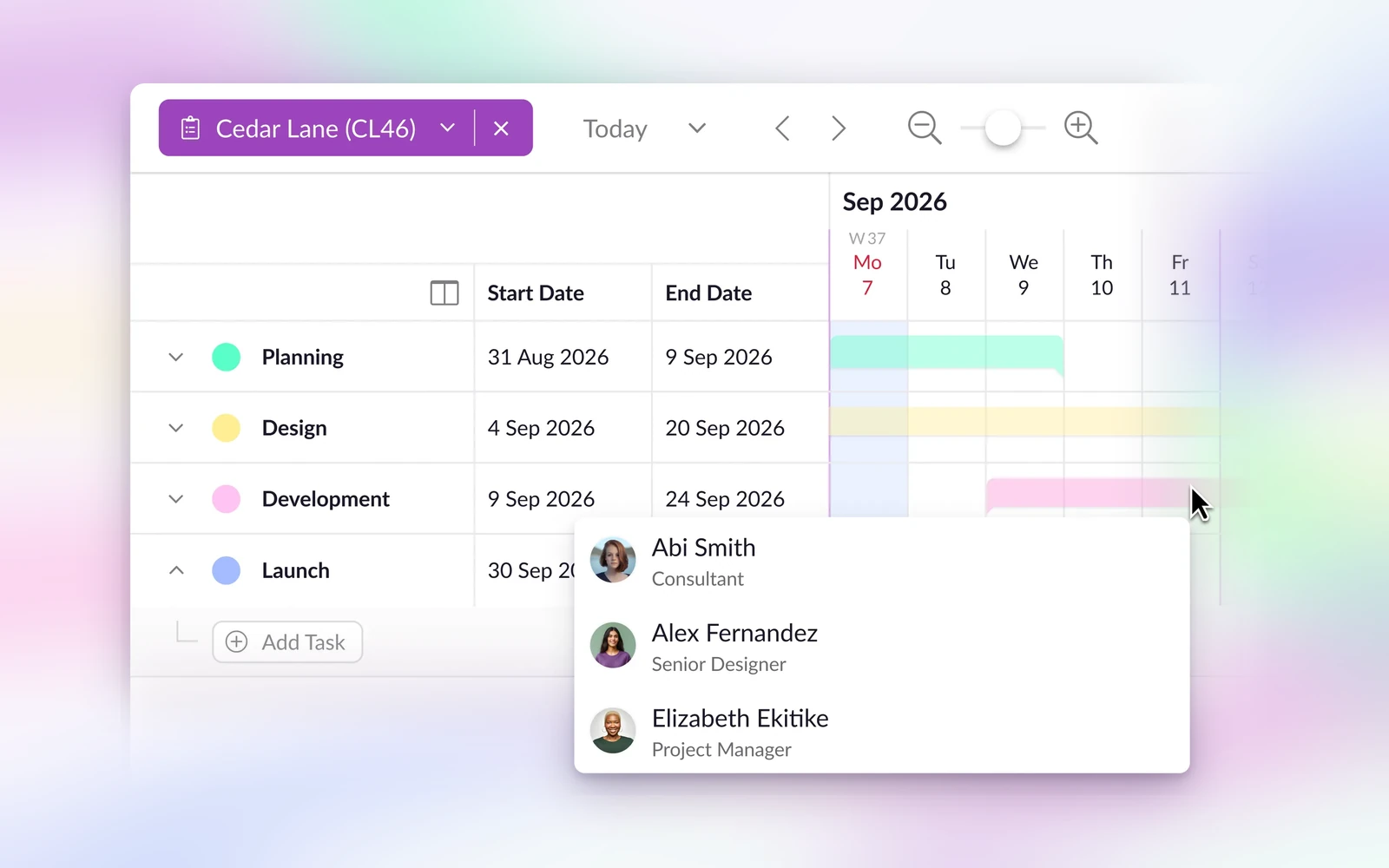
Standout features
- Drag-and-drop Gantt charts with phases, tasks, and dependencies
- Clash management that warns you before you double-book someone
- Project budgets, with burn tracked in pre-built reports
- Heatmaps of total and billable utilization
Limitations
- Gantt charts, heatmaps, and budgets start on Blackbelt, the plan above Grasshopper.
- Billing counts every person added to the account, active or inactive.
Pricing
Grasshopper costs $5/person/month, billed annually ($6 monthly), and Blackbelt costs $8 ($9.60 monthly). The 14-day free trial needs no credit card
2. Microsoft Planner and Project: Best for teams already on Microsoft 365
Reviewer ratings: 4.3/5 for Microsoft Planner on Capterra (301+ reviews).
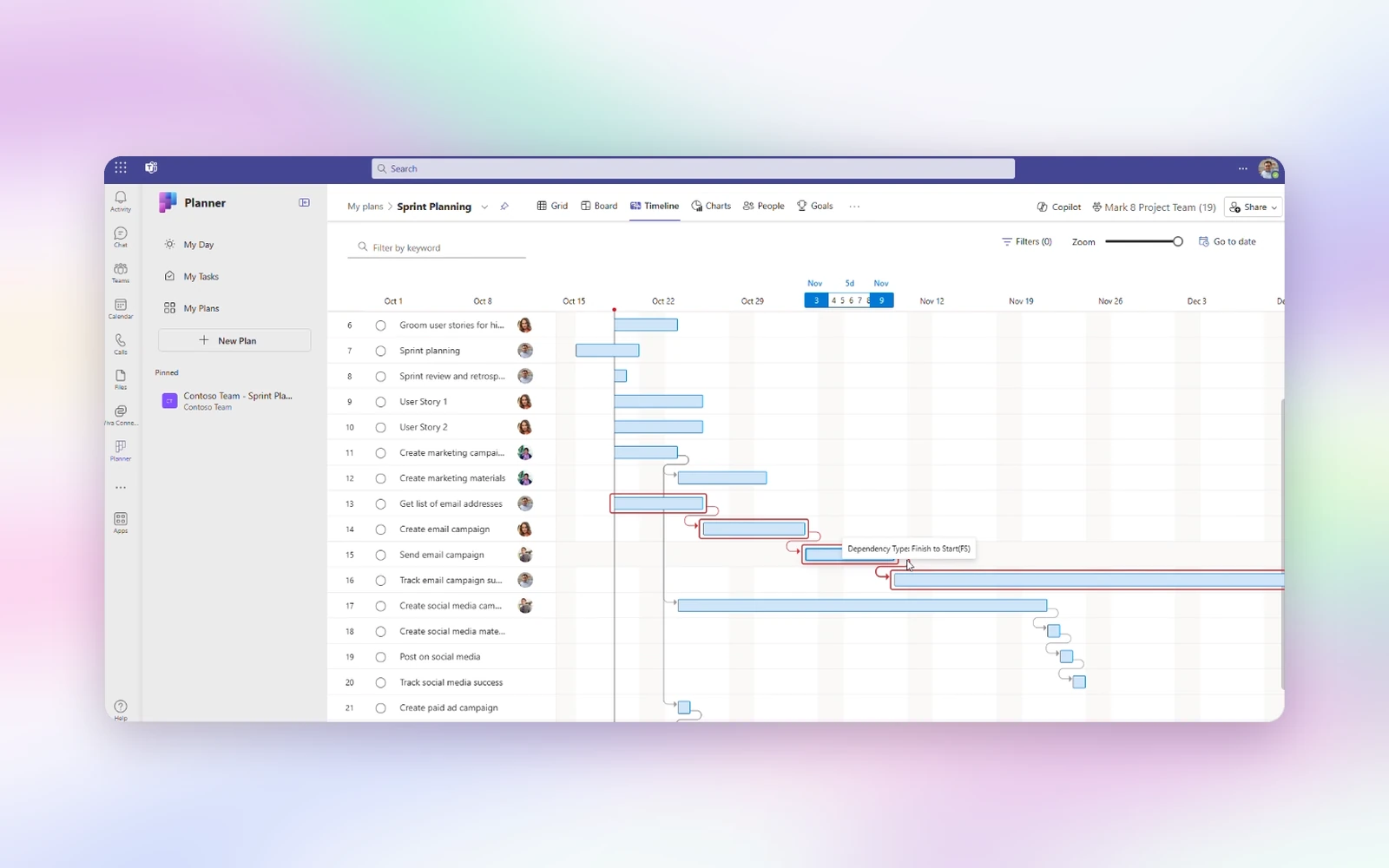
Microsoft prices Planner and Project together, so Microsoft 365 teams can plan inside the suite they already use.
Standout features
- Task dependencies plus Timeline (Gantt) and People views on Plan 1
- Baselines, critical path, and lead and lag dependencies on Plan 3
Limitations
- Baselines and critical path need Plan 3, and the basic Planner in Microsoft 365 has no Timeline or People view.
Pricing
Planner Plan 1 costs $10/user/month, paid yearly, and Planner and Project Plan 3 costs $30. The one-month free trial requires a credit card.
3. Smartsheet: Best for spreadsheet-style project plans
Reviewer ratings: 4.5/5 on Capterra (3,782+ reviews).
Smartsheet builds plans on a spreadsheet-style grid, so teams leaving Excel keep rows and columns and gain a Gantt view.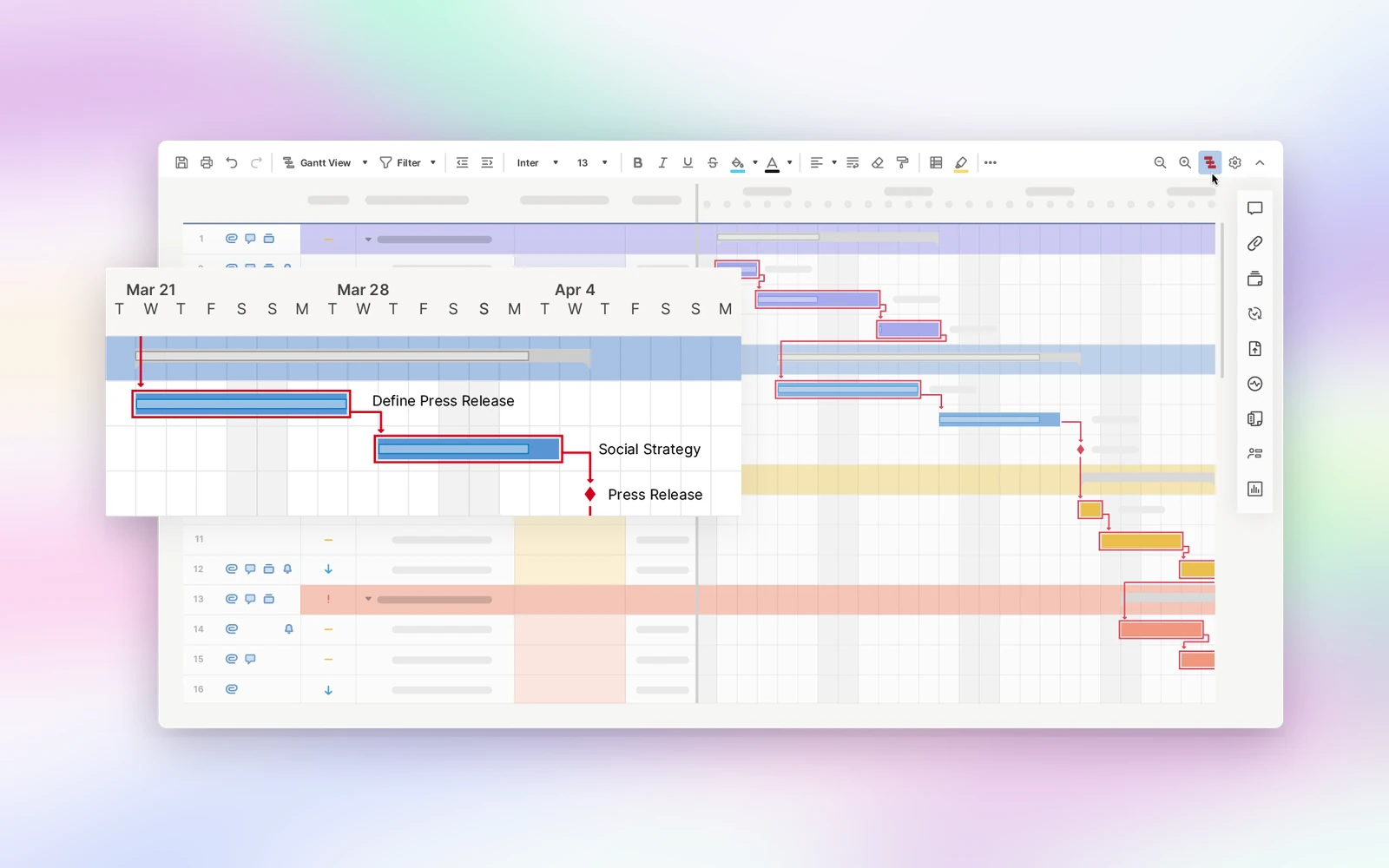
Standout features
- A Gantt view of any sheet on Pro
- Task dependencies on every plan
Limitations
- No free plan; baselines start on Business, where resource management is still a paid add-on.
Pricing
Pro costs $9/member/month, billed yearly ($12 monthly), and Business costs $19. The 30-day free trial needs no credit card.
4. TeamGantt: Best for Gantt-first planning at a flat price
Reviewer ratings: 4.6/5 on Capterra (204+ reviews).
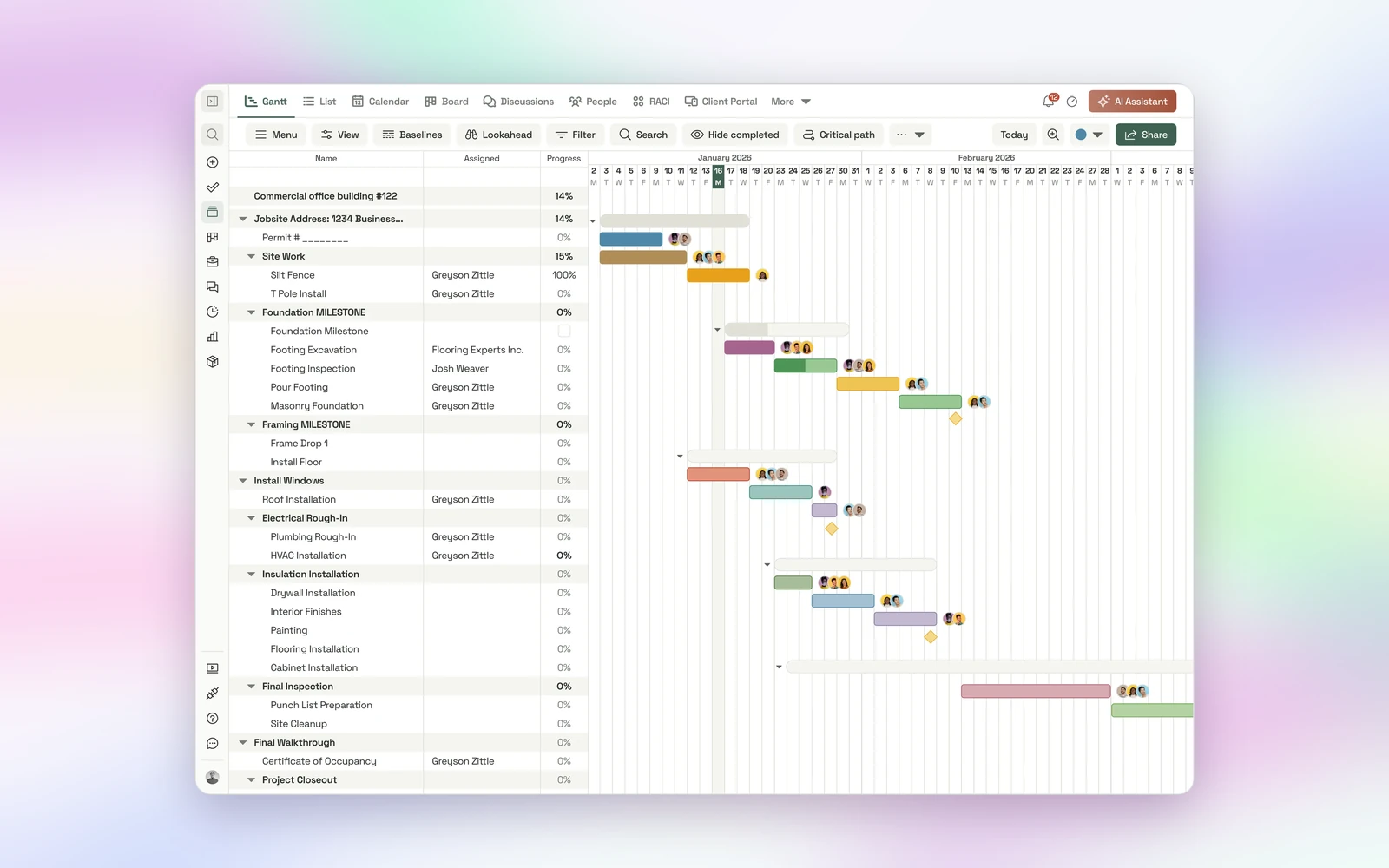
TeamGantt centers planning on the Gantt chart and charges one flat monthly price for the whole team.
Standout features
- Drag-and-drop Gantt charts where linked tasks move together
- A workload view of who’s booked and who’s free
- Baselines that compare promised and live plans
Limitations
- Base allows 5 projects, 150 tasks per project, and 1 manager with 10 collaborators.
Pricing
The free Personal plan covers 1 user, 1 project, and 40 tasks. Base costs $59/month flat, billed monthly ($589 a year), with a 14-day free trial.
5. Wrike: Best for cross-team planning with capacity tools
Reviewer ratings: 4.4/5 on Capterra (3,092+ reviews).
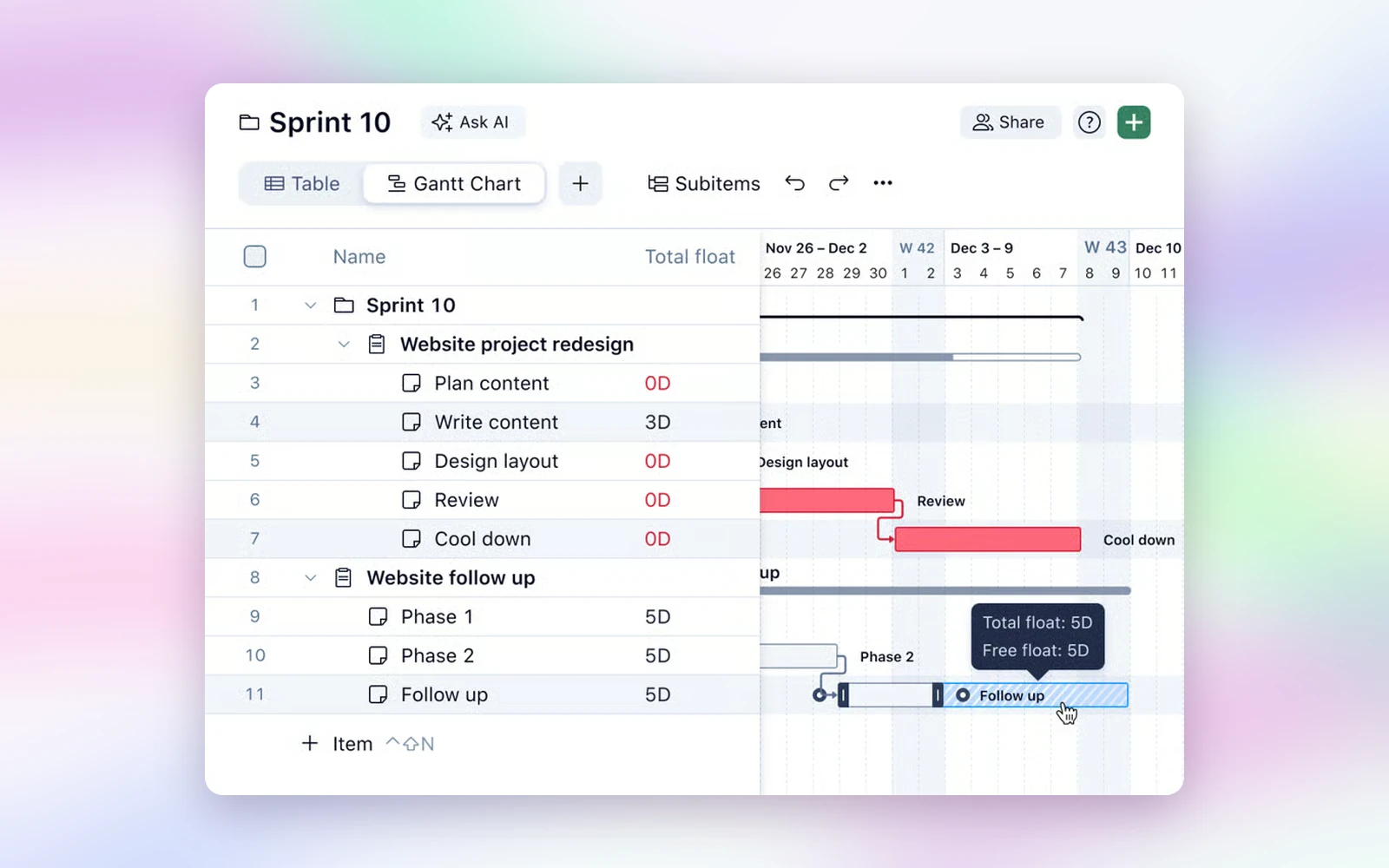
Wrike suits organizations where several teams plan against shared deadlines.
Standout features
- Interactive Gantt charts from the Team plan
- Advanced resource and capacity planning on Business
Limitations
- Team stops at 15 users, the free plan has active task limits, and Business is sold annually only.
Pricing
Wrike has a free plan. Team costs $10/user/month, billed annually, and Business costs $25, with a 14-day free trial and no credit card.
6. monday.com: Best for visual boards that grow into timelines
Reviewer ratings: 4.6/5 on Capterra (6,144+ reviews).
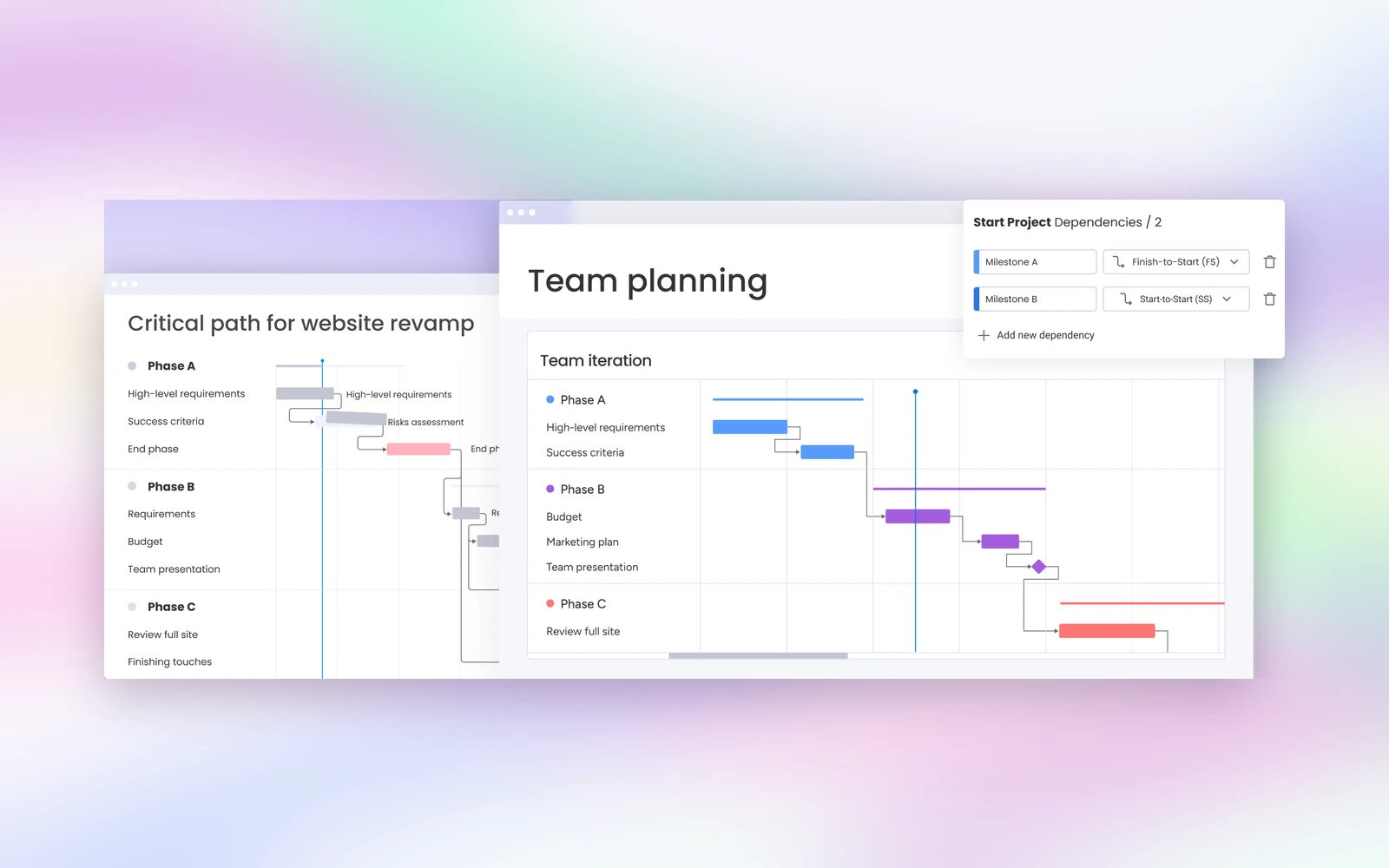
Board-first teams often start on monday.com, then add timeline and Gantt views once projects need dates.
Standout features
- Timeline and Gantt views from Standard
- Dependencies through advanced columns on Pro
Limitations
- Paid plans start from 3 users, and timeline and Gantt views cost one tier more than Basic.
Pricing
A free plan covers up to 2 seats and 3 boards. Basic costs $9/seat/month, billed annually, and Standard costs $12, with a 14-day free trial of Pro.
7. Asana: Best for task-led teams that need critical path
Reviewer ratings: 4.5/5 on Capterra (13,778+ reviews).
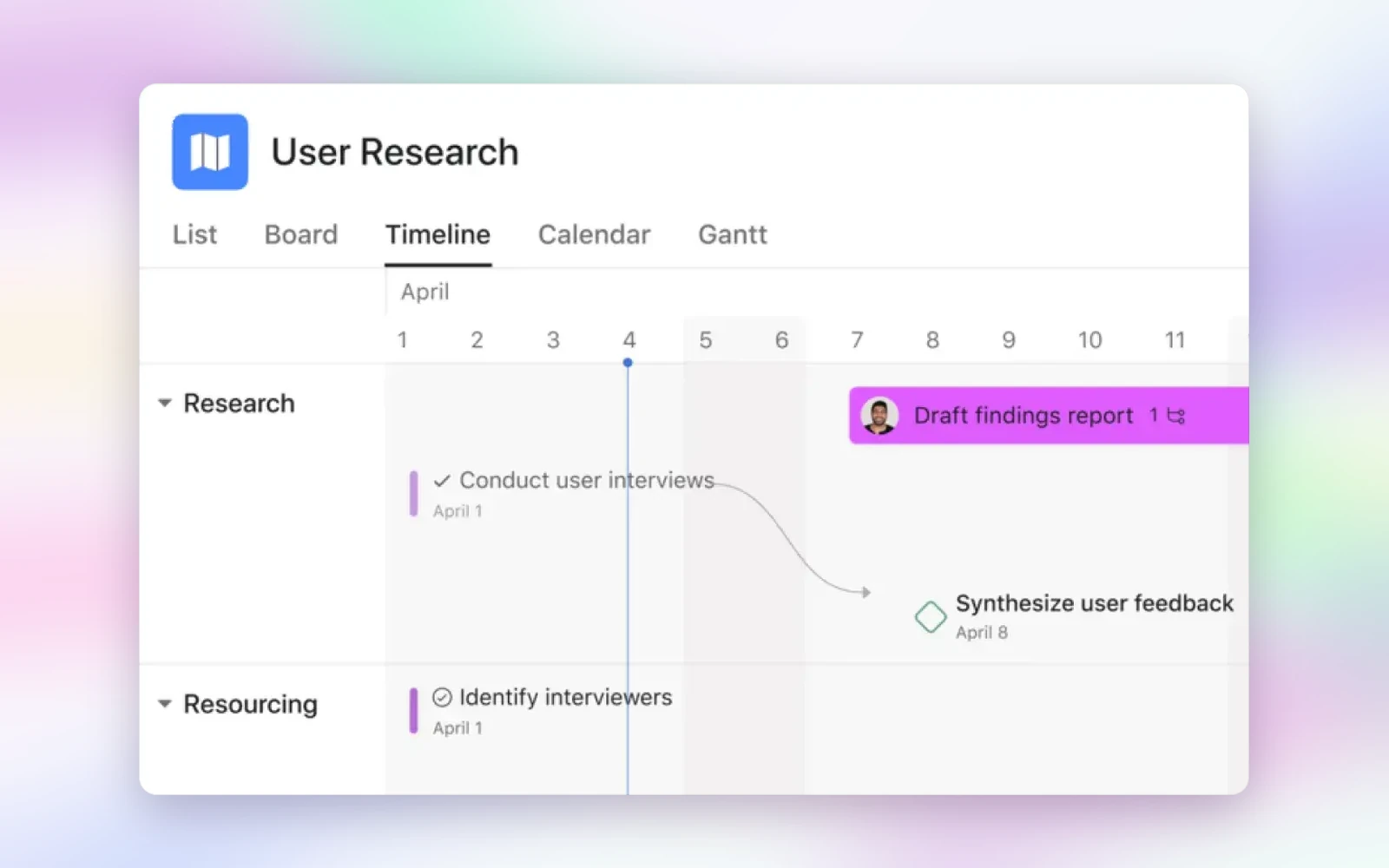
Asana organizes work as tasks, then lays them out on a timeline or Gantt chart on paid plans.
Standout features
- Timeline and Gantt views with task dependencies on Starter
- A critical path view on Advanced that shows which tasks set the deadline
Limitations
- Spotting who’s overloaded and rebalancing work needs Advanced.
Pricing
The free Personal plan covers up to 2 users. Starter costs $10.99/user/month, billed annually ($13.49 monthly), and Advanced, which has a free trial with no credit card, costs $24.99.
8. ClickUp: Best for an all-in-one workspace with Gantt views
Reviewer ratings: 4.6/5 on Capterra (4,976+ reviews).
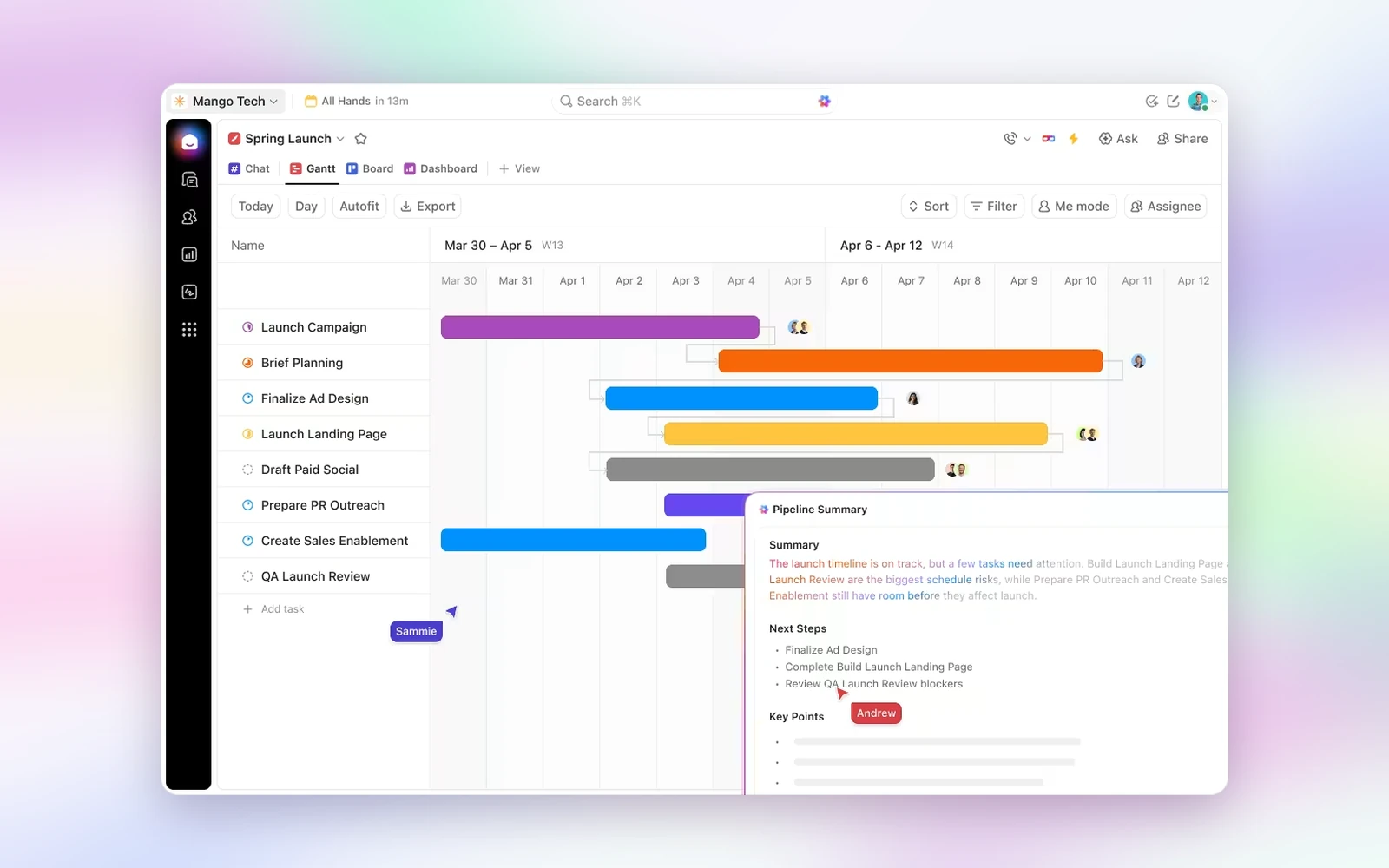
ClickUp keeps tasks and many views in one workspace, with Gantt charts fully unlocked on Core.
Standout features
- Gantt charts included on Core
- Relationships and dependencies on every plan
Limitations
- Workload view, timeline view, and critical path are trial-only on Core and included from Business.
Pricing
Core costs $9/user/month, billed yearly, and Business costs $17. A 30-day money-back guarantee stands in for a free trial.
9. Teamwork.com: Best for client work with workload planning
Reviewer ratings: 4.5/5 on Capterra (947+ reviews).
Teamwork.com targets agencies and service teams delivering client work.
Standout features
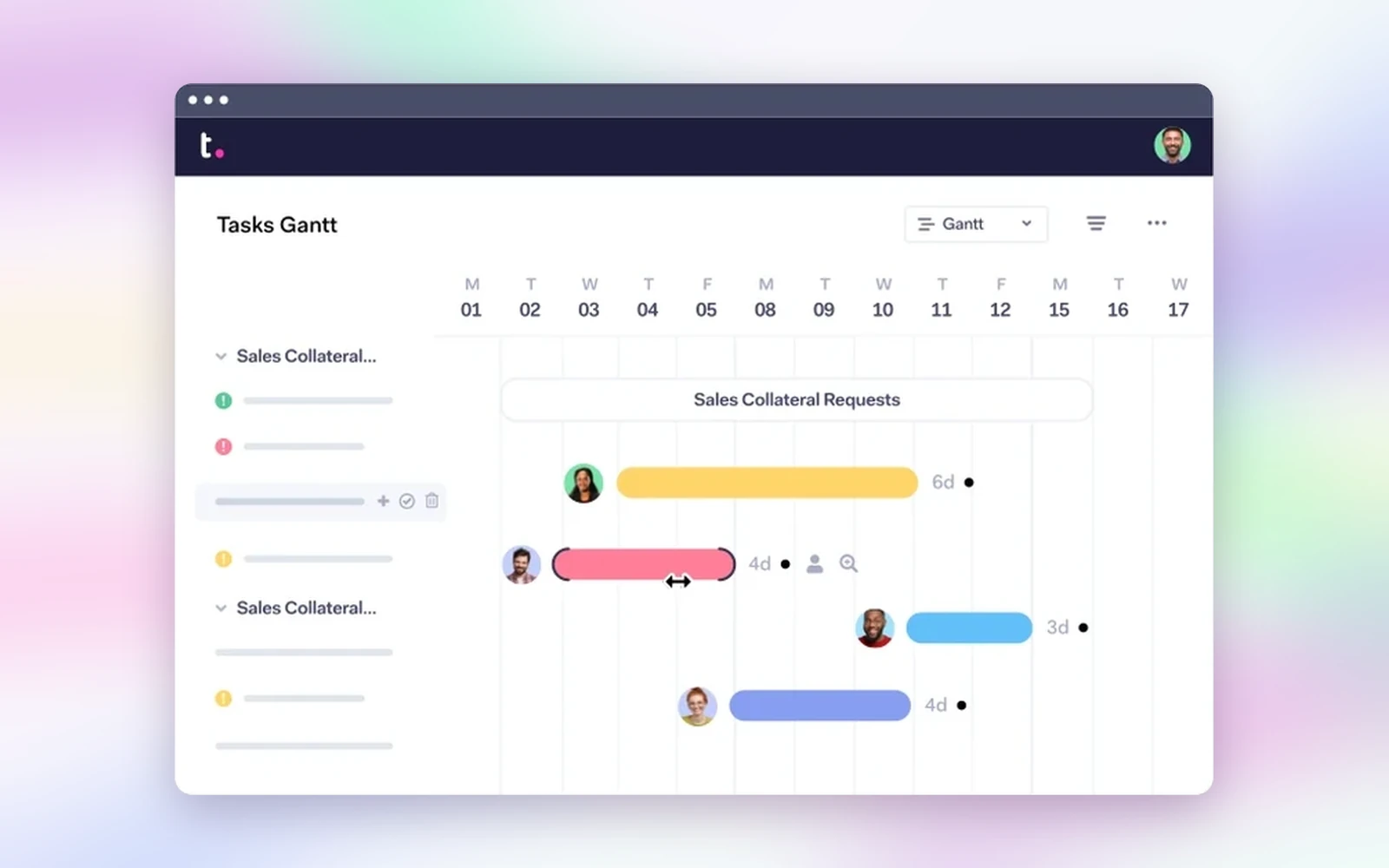
- Gantt, table, list, and board views on every plan, Free included
- Dependencies added and adjusted by drag and drop
Limitations
- Workload planning and live capacity start on Accelerate.
Pricing
Free covers 5 projects and 5 users. Basics costs $9.99/user/month, billed yearly, and Accelerate costs $24.99, each with a 14-day free trial and no credit card.
10. Scoro: Best for agencies planning from quote to invoice
Reviewer ratings: 4.5/5 on Capterra (265+ reviews).
Scoro links estimating, delivery, resourcing, and billing, so agencies plan from first quote to invoice.
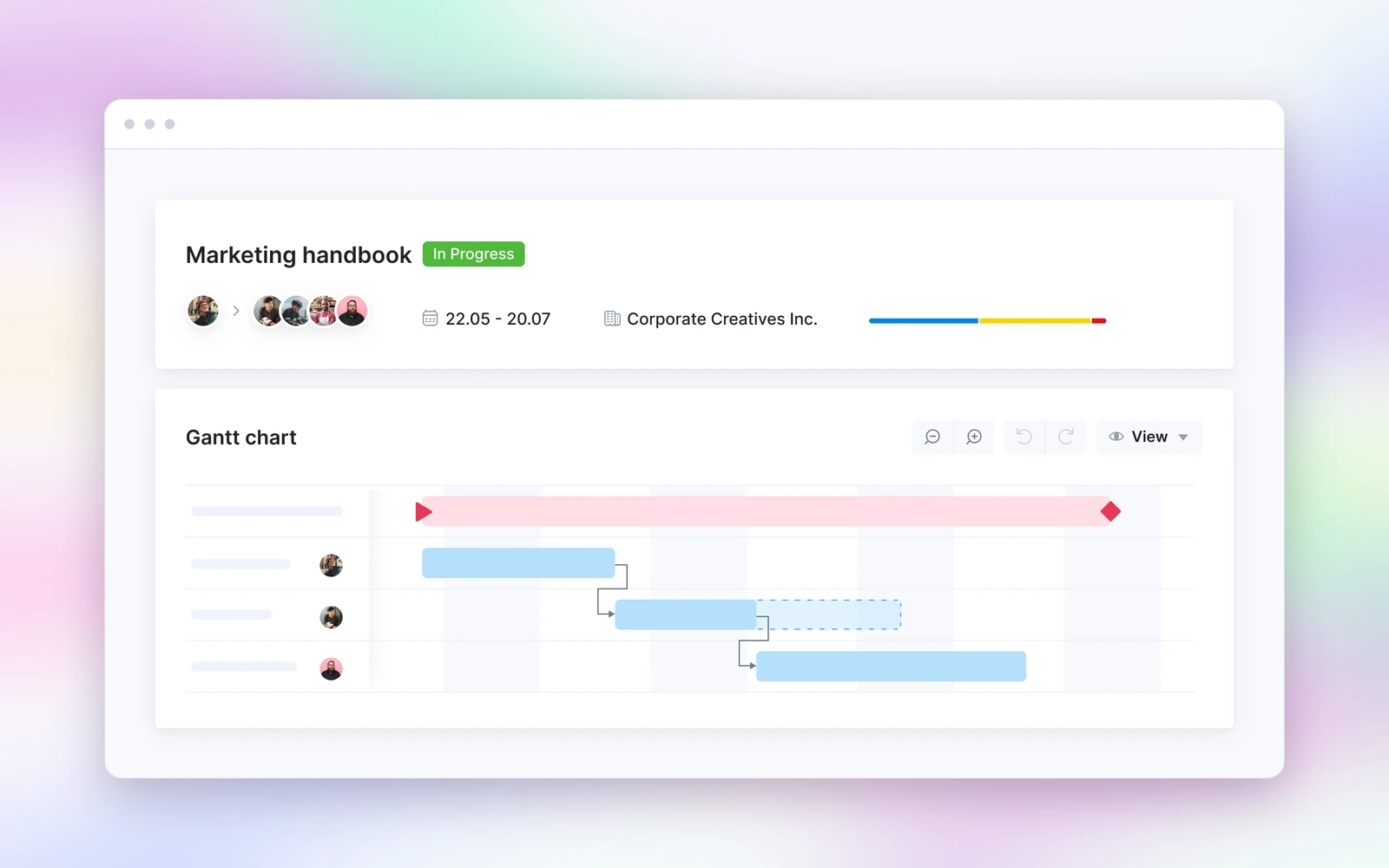
Standout features
- Gantt charts with dependencies, phases, and milestones
- Bookings, availability indicators, and utilization reports
Limitations
- Every combination is paid and needs 5 users, and Gantt and resource planning start above the cheapest combination (Time-billing).
Pricing
Combinations start at $17/user/month, and Projects & Resources costs $29. The 14-day free trial needs no credit card.
11. Zoho Projects: Best for low-cost plans with baselines
Reviewer ratings: 4.5/5 on Capterra (880+ reviews).
Zoho Projects pairs a free plan with the lowest per-user price on this list.
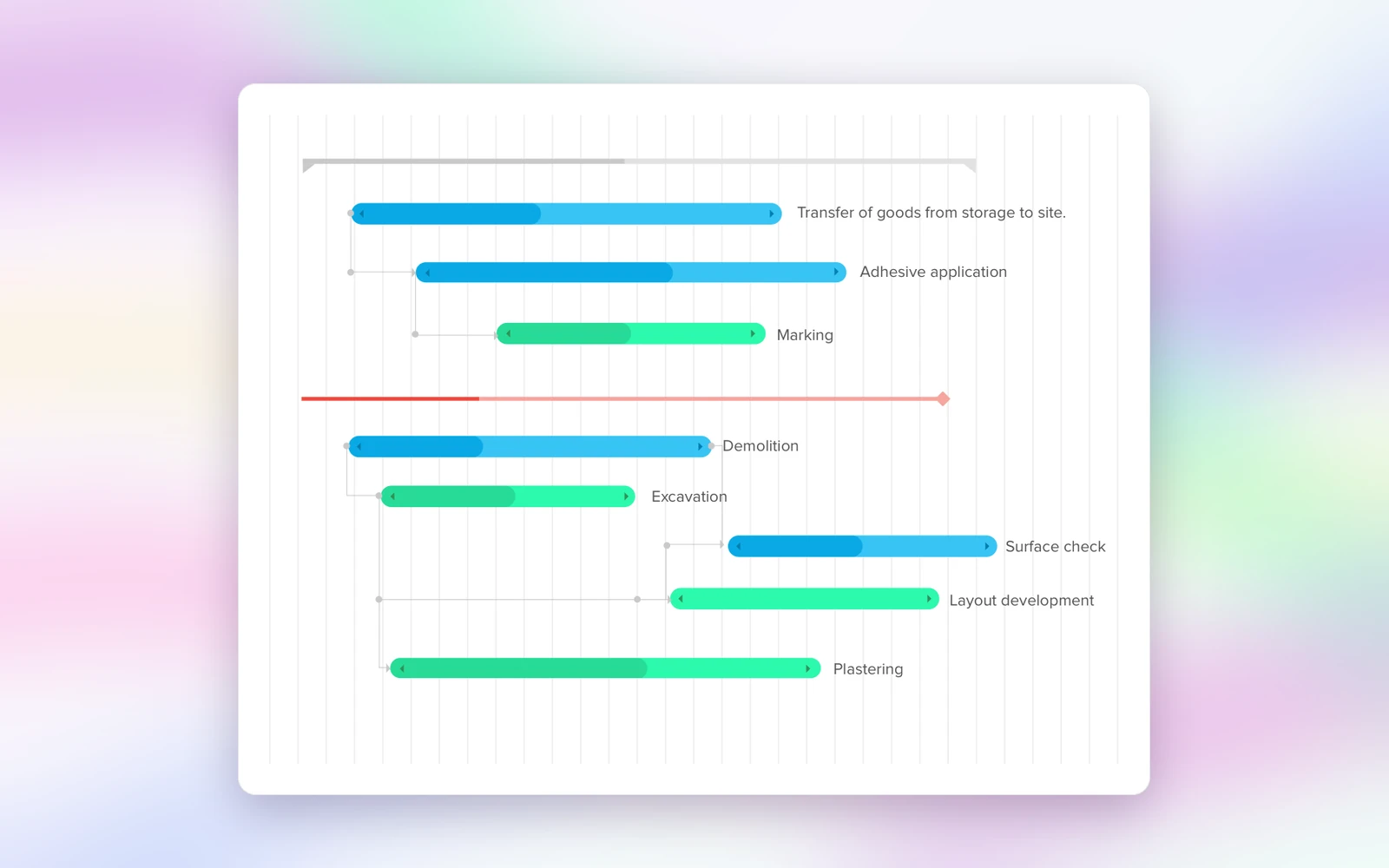
Standout features
- Drag-and-drop Gantt rescheduling with four dependency types
- Baselines that compare planned and actual progress
Limitations
- Critical path and baselines start on Enterprise, and the cross-project workload report needs Enterprise or Ultimate.
Pricing
Zoho Projects is free for up to 5 users. Premium costs $4/user/month, billed annually, and Enterprise costs $9, with a 15-day free trial and no credit card.
12. Basecamp: Best for lightweight planning at a flat price
Reviewer ratings: 4.4/5 on Capterra (14,436+ reviews).
Basecamp gives each project its own page of tools and charges a flat monthly price with no per-user fees.
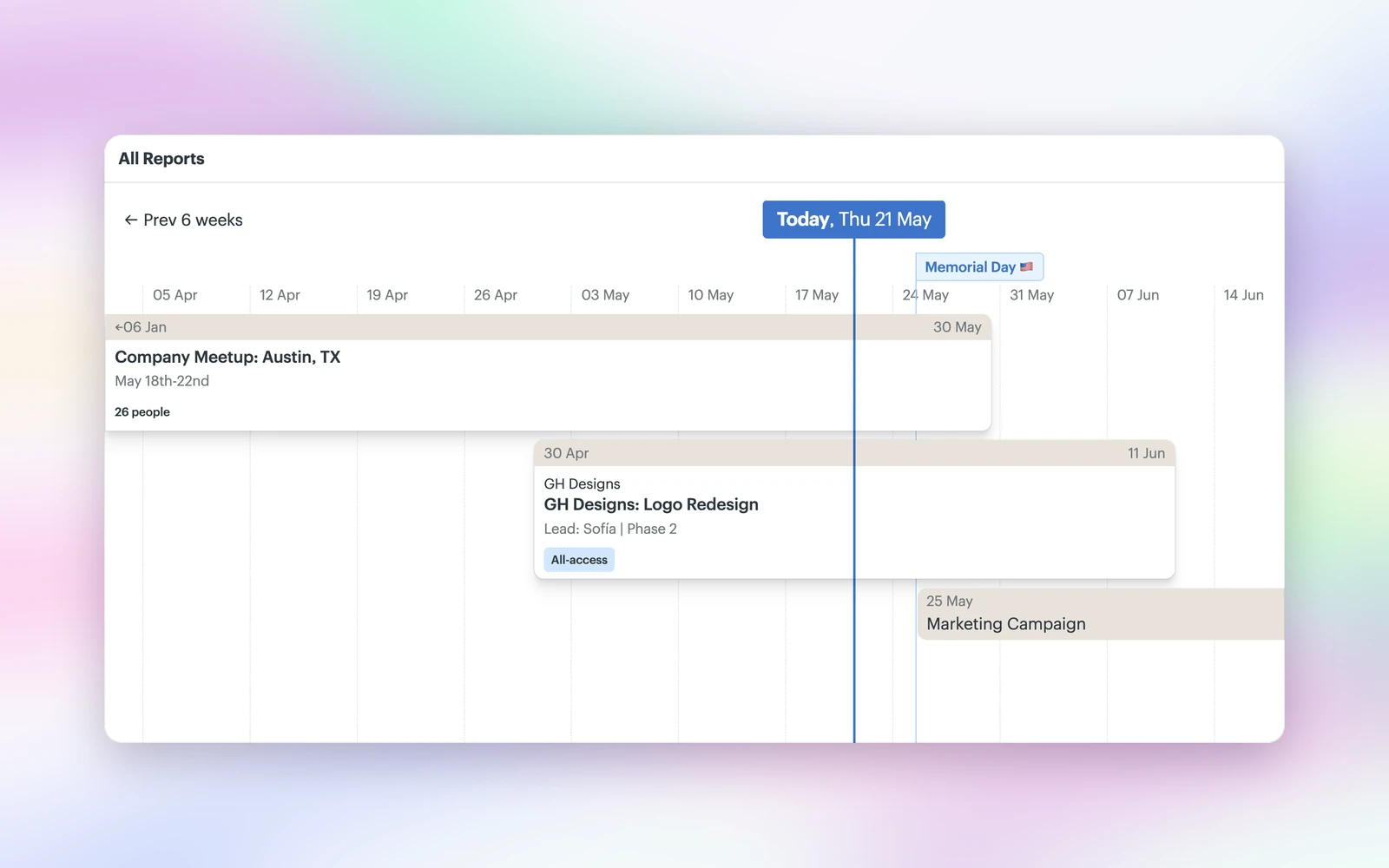
Standout features
- The Lineup, a timeline of every project by start and end date
- Hill Charts that show where work really stands
Limitations
- Freelancer allows 3 active projects and 5 users, without templates or time tracking.
Pricing
The free plan covers 1 project and 3 users. Freelancer costs $29/month flat and Pro costs $79, both with a 30-day free trial.
How to choose project planning software
Choosing project planning software comes down to what your team plans in today and where those plans break down. Find your current setup on the left, then shortlist the tools beside it before booking any trials.
Some plans are set up to slip before planning starts. Bill Kiani, founder of Genie 007, learned on an ERP rollout earlier in his career that “a sales commitment and a delivery commitment are two different things. They need to be agreed internally before they’re promised externally.”
What is project planning software?
Project planning software is a tool, usually online, that handles the upfront work of a project, such as scoping tasks, linking dependencies, setting dates, and assigning people before delivery starts. Stronger tools also test that plan against team capacity, so the dates hold when other projects and vacation compete for the same people.
Most teams struggle to hit their dates. Wellingtone’s State of Project Management Report 2026 found that only 36% of organizations mostly or always finish projects on time.
Want to build a plan step by step? Read our guide on how to create a project plan.
Frequently asked questions about project planning software
What is the difference between project planning and project management software?
Project planning software builds the plan before work starts, covering scope, dependencies, and dates, while project management software runs that plan day to day. Many tools do both, at different plan tiers.
How much does project planning software cost?
Across 12 popular project planning tools, the cheapest paid plans cost $4 to $17 per user per month, or from $29 a month flat. Gantt charts, baselines, and workload views often need a higher tier.
Is there free project planning software?
Free project planning software is common, with eight of 12 popular planning tools offering a free plan. Expect tight limits on users or projects, plus Gantt, baseline, or workload views that stay limited, trial-only, or missing until you upgrade.
Pick project planning software that fits the team you have
Whichever planning tool you choose sets how a plan looks, and your team’s real availability decides whether its dates hold. Test every plan against who’s free before a date reaches a client, and start a free trial of Resource Guru to run that check.

The #1 scheduling and time tracking tool trusted by thousands of project teams
Join thousands of project managers who have made scheduling a breeze.
All details accurate as of November 16, 2026.